February 10, 2026
February 3, 2026 - February 9, 2026
Beta indicates recent changes that may evolve based on usage and feedback.
Hotfixes
2026-02-12
Patient creation is working again. We resolved an issue that prevented patients from being created in both the Patient and Order interfaces. The form now submits successfully with clear validation messaging.
What's Changed
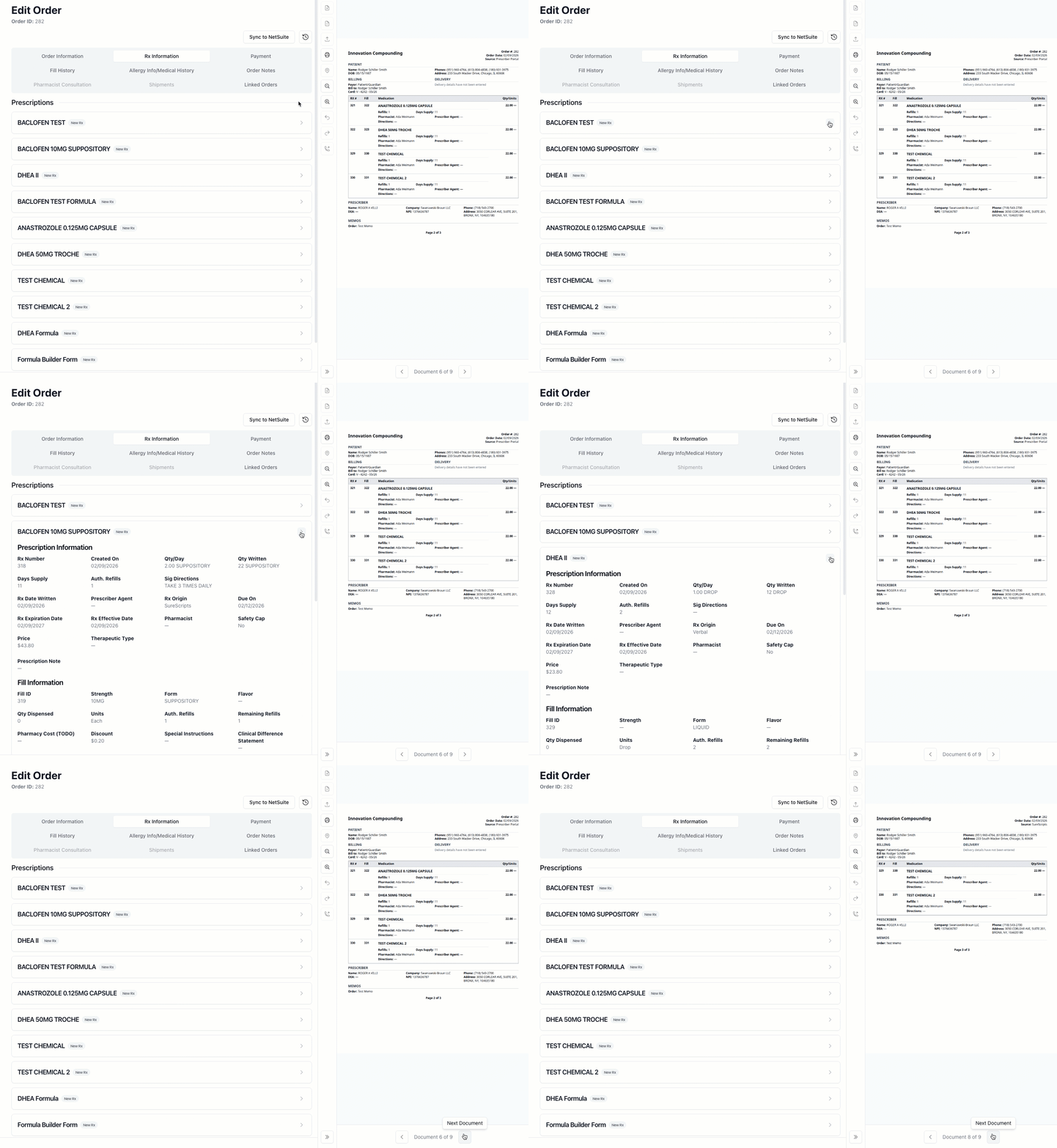
Easier navigation for orders with multiple prescriptions
Long orders are now easier to scan. Prescription document sections default to collapsed, so you can quickly navigate through orders with many pages without endless scrolling.
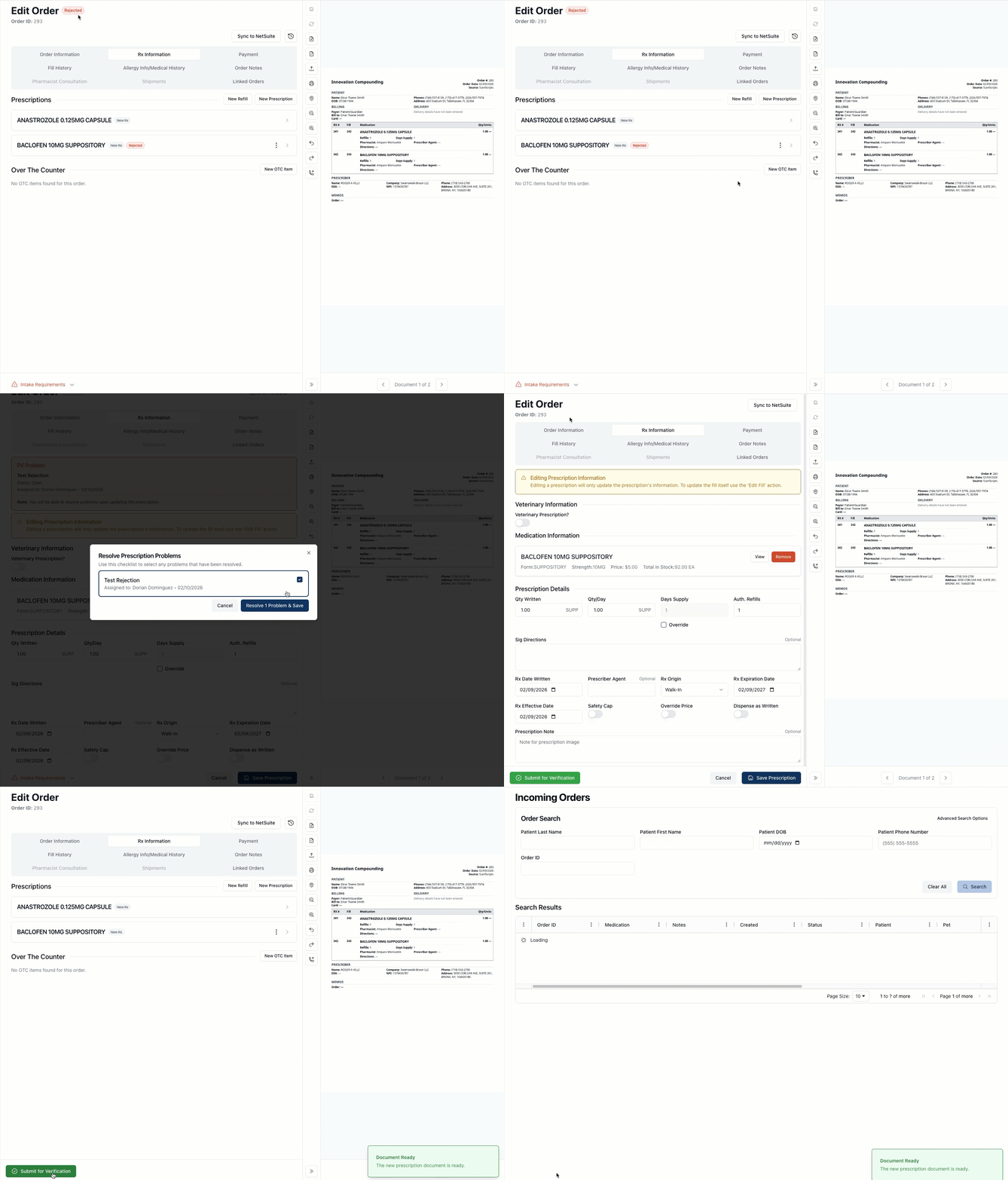
Rejected prescriptions clear properly after editing
No more stuck intake requirements. When you edit a rejected prescription, the rejected status now clears automatically — so orders no longer remain blocked as "missing intake requirement" when they're actually ready to proceed.
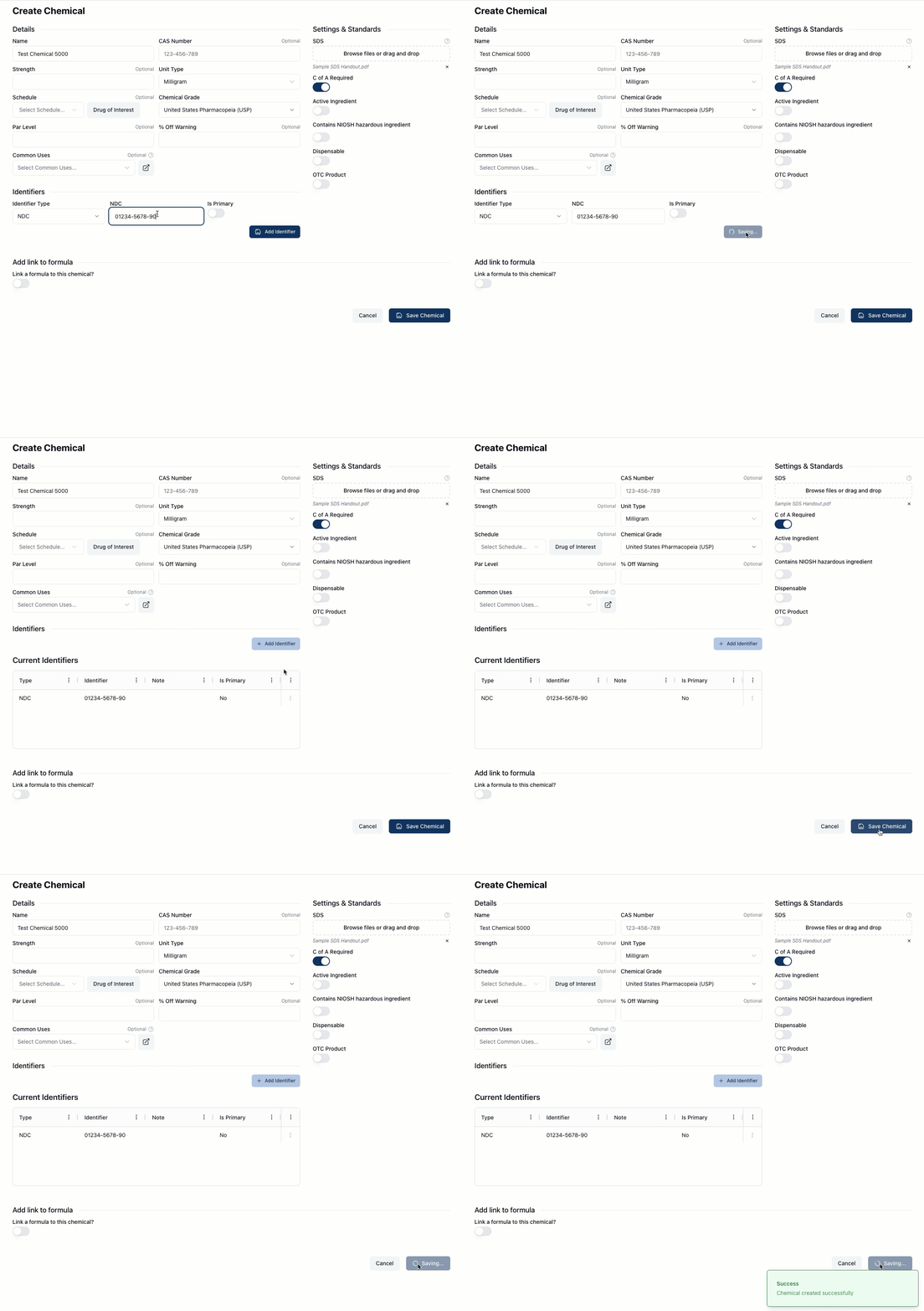
Chemical creation works reliably with identifiers
Add identifiers without the form complaining. The chemical creation form now correctly recognizes when you've added identifiers, eliminating the frustrating error that incorrectly claimed identifiers were missing.
New Features
Dispensing
Invoice Payments (Beta)
You can now select and pay invoices directly, using a payment interface similar to the one used for order payments. This first release supports credit card payments only.
Compounding
Formula Instructions (Beta)
Formula ingredients now support a form builder for creating structured instructions. You can build custom question forms, preview them, and view completed responses in a read-only format within formula logs.
Improvements
Dispensing
Invoice Side Panel (Beta)
The invoice side panel now shows more detailed order information including shipping charges, medication charges, and itemized totals.
Allergy & Sensitivity Labels (Beta)
"Patient Allergies" has been renamed to "Allergies and Sensitivities" throughout the app for clarity.
Archive Terminology (Beta)
Extended the "Archive/Restore" terminology (previously applied to prescribers) to pharmacies, replacing "Deactivate/Reactivate" for clarity and consistency.
Multi-Page Prescription Documents
Prescription document sections now default to collapsed, making it easier to navigate orders with multiple pages.
Guest Payment Accessibility
The guest payment interface has been improved for accessibility, including better labels for screen readers, consistent form structure, and clearer address layouts.
Prescription Rejections
Prescriptions that were rejected and then edited now correctly clear their rejected status, so they no longer remain flagged as a missing intake requirement.
Compounding
Formula Lot Locking Alerts
When uploading images to a formula log that another user has locked, you'll now see a clear alert explaining why the upload cannot proceed. The interface also disables device and ingredient tables while locked.
General
Error Messages (Beta)
Validation error messages throughout the app have been rewritten to be clearer and more user-friendly.
Fixes
Dispensing
Payment Methods (Beta)
The Edit button for payment methods now displays correctly based on the data entry mode.
Linked Orders (Beta)
The page size dropdown in Linked Orders is no longer cut off at the bottom of the screen.
Order Draft Mode
Resolved a server error that could occur when switching to the Rx Information tab after putting a newly created order into draft mode.
Activity Logs
Prescription deletions are now properly captured in the Order Activity Log, showing which order the prescription belonged to.
Shipping Labels (Beta)
The "Scan Another" button on the shipping page now correctly reloads order data, and printer detection is more reliable when printing labels in quick succession.
Master Orders
Enabling the Master Order flag no longer unexpectedly navigates away from the current tab. Error messages are also clearer if the action fails.
Prescription Rejections (Beta)
The user in the "Assign To" field no longer disappears after being selected when rejecting a prescription.
Compounding
Chemical Creation
Chemicals can now be created successfully after adding identifiers. Previously, the form could incorrectly report that identifiers were missing even when they had been added.
Known Issues
Dispensing
Ready to Fill Verification
When submitting a prescription with a dispensable chemical for verification in the Ready to Fill queue, entering a valid, non-expired lot number may result in an error: "No Formula Lot found with identifier." We are actively investigating this issue.