How-to: Adding a company document
how-to
A streamlined, step-by-step refresher for adding a document to a patient record.
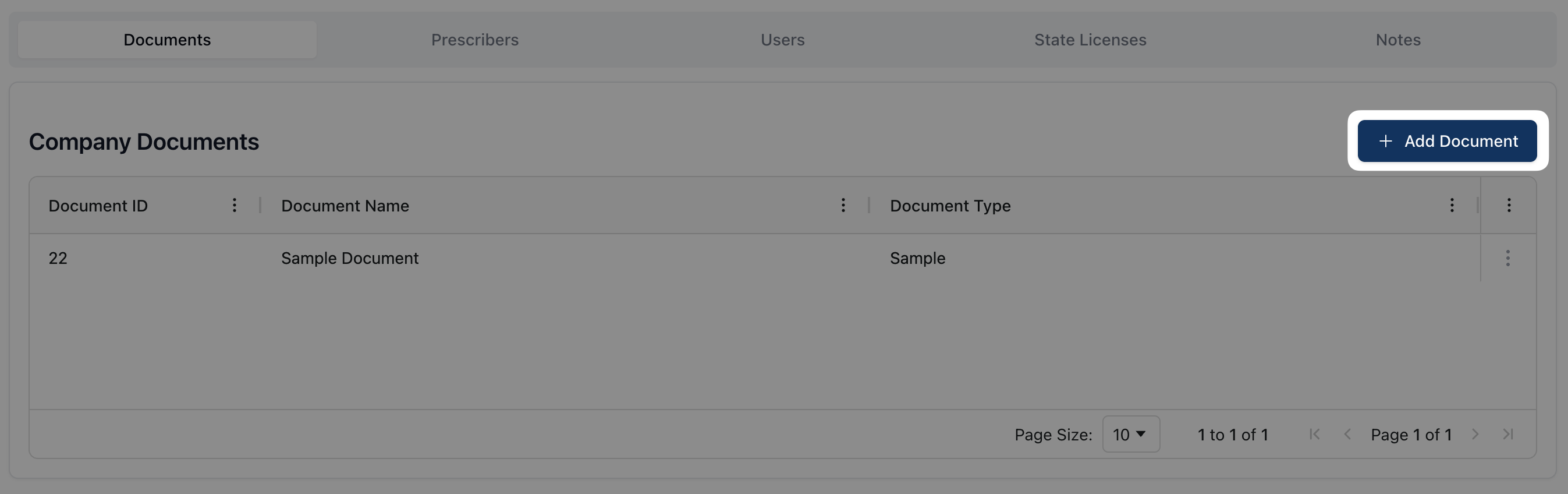
Navigate to the Documents tab and click + Add Document.
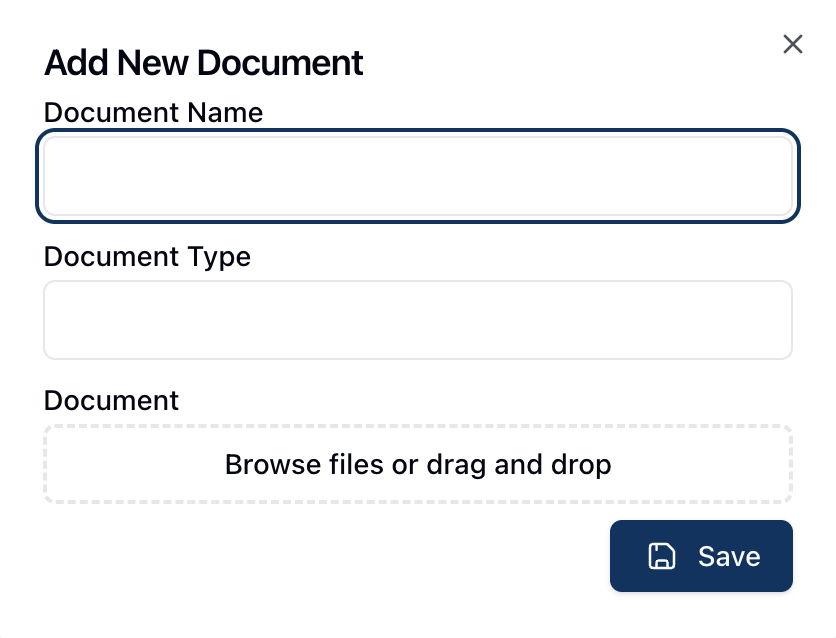
In the Add New Document popup, enter the Document Name and Document Type.
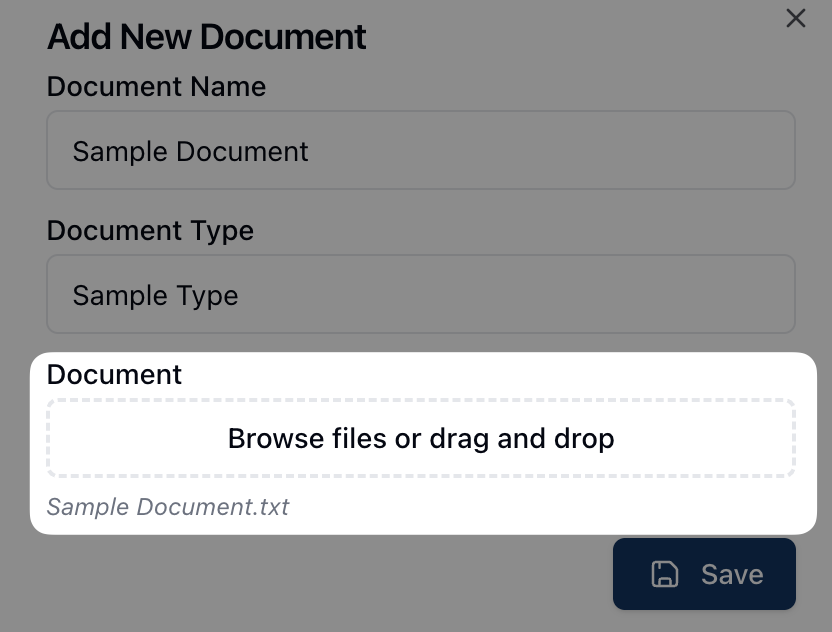
Under Document, click the browse field to find and select the relevant document(s) from your computer. Alternatively, drag and drop the files into the outlined area.
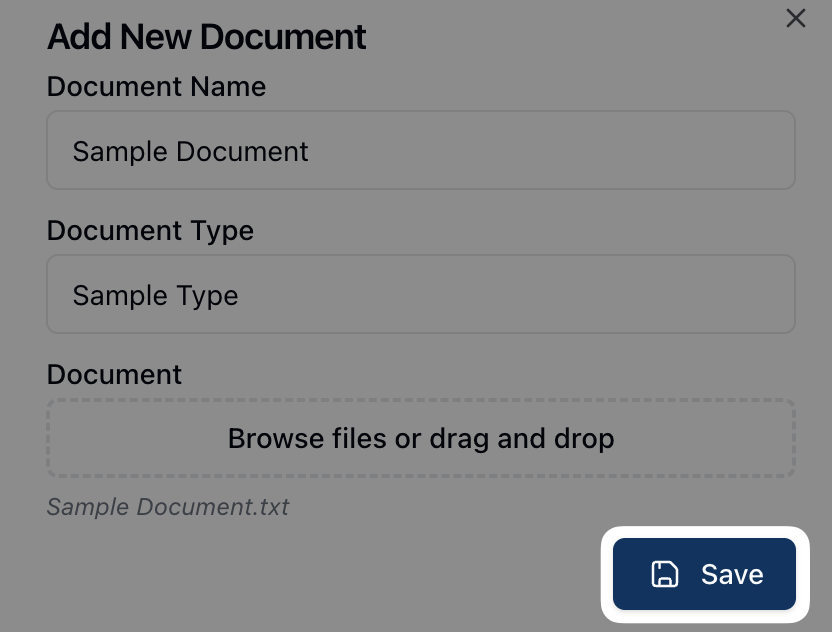
Once all fields are complete, click Save.