How-to: Adding a company state license
how-to
A streamlined, step-by-step refresher for adding a state license to a company record.
Navigate to the State Licenses tab and click the + Add State button.

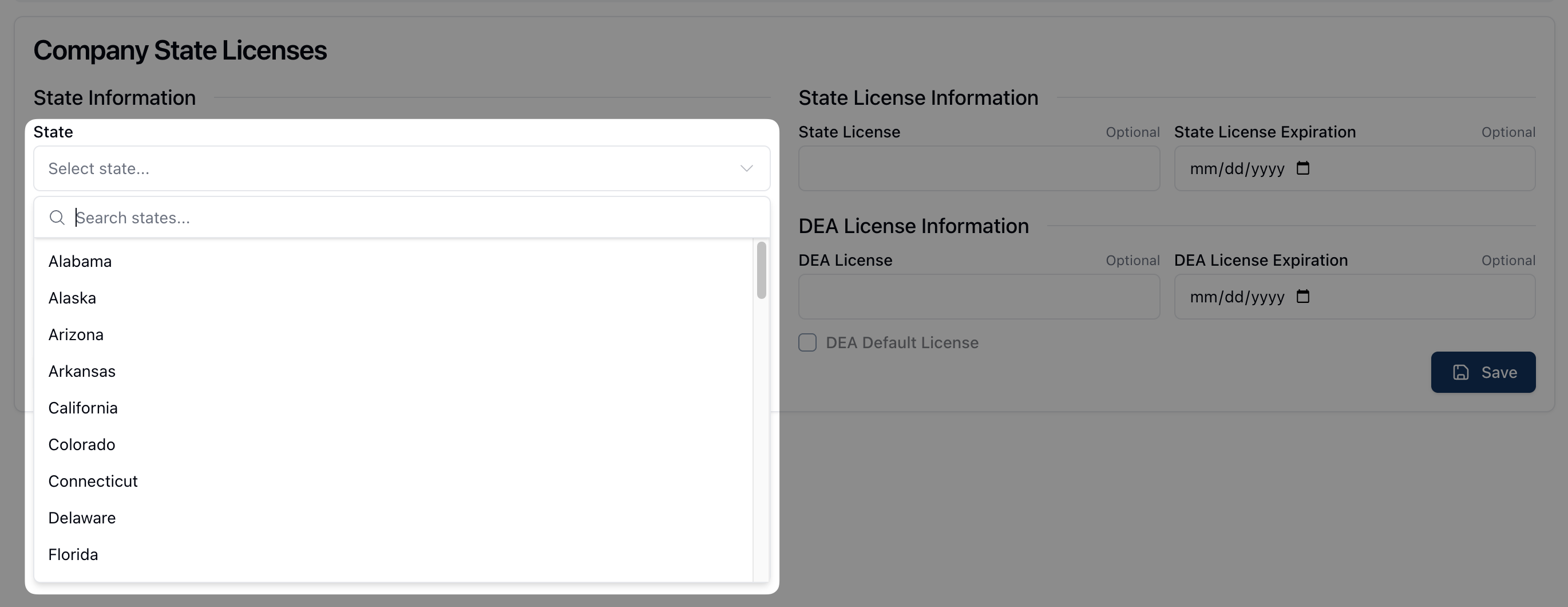
On the Company State Licenses form, select the appropriate state from the State dropdown menu. Note that typing the state name into the search field automatically filters the dropdown results.
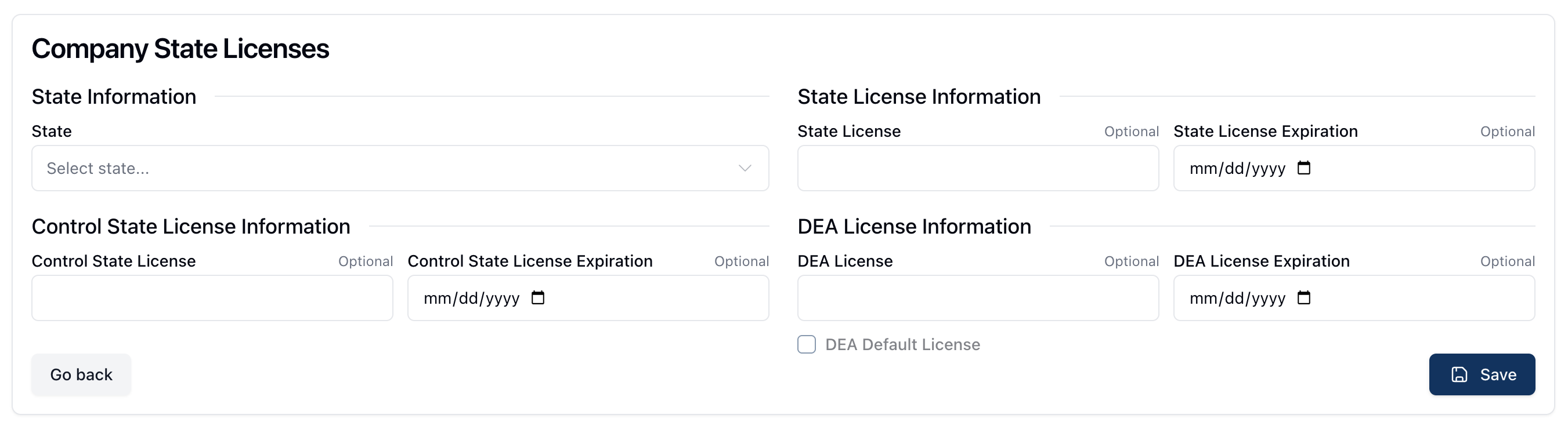
Enter the relevant state license information, which can include one or all of the following: State License, State Control License, and DEA License.
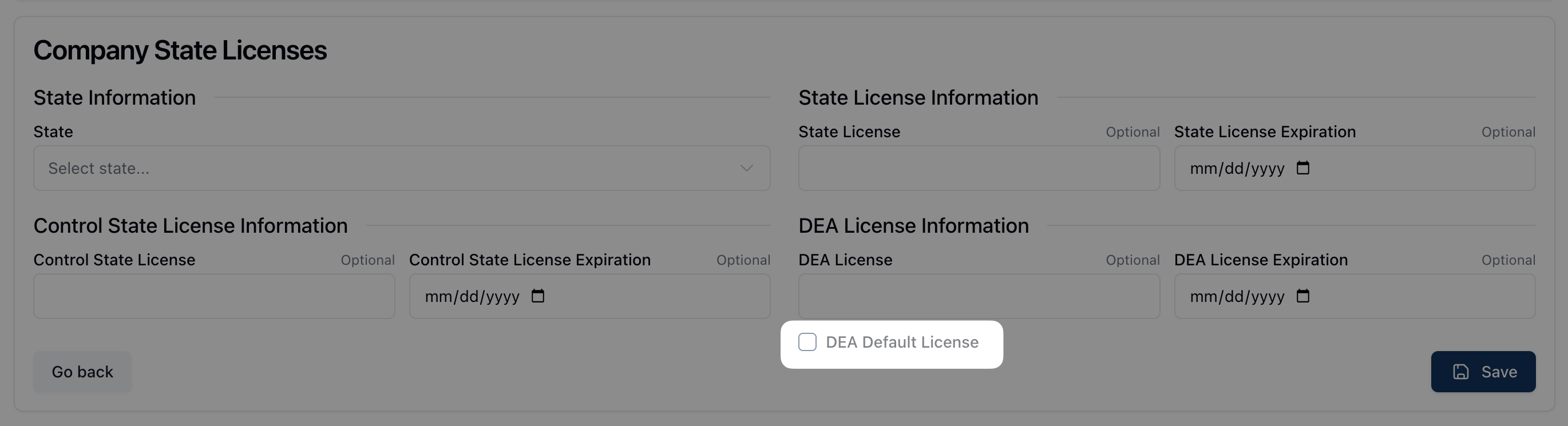
If adding a DEA License, click the checkbox next to DEA Default License if this is the company's default DEA license.
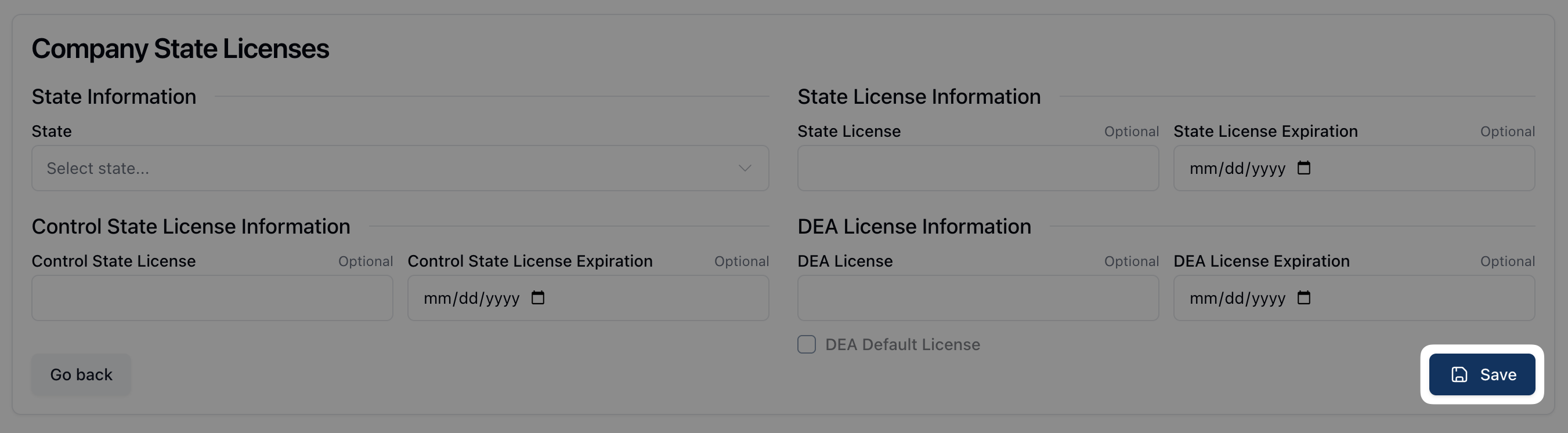
Once all fields are complete, click Save.