How-to: Adding a formula
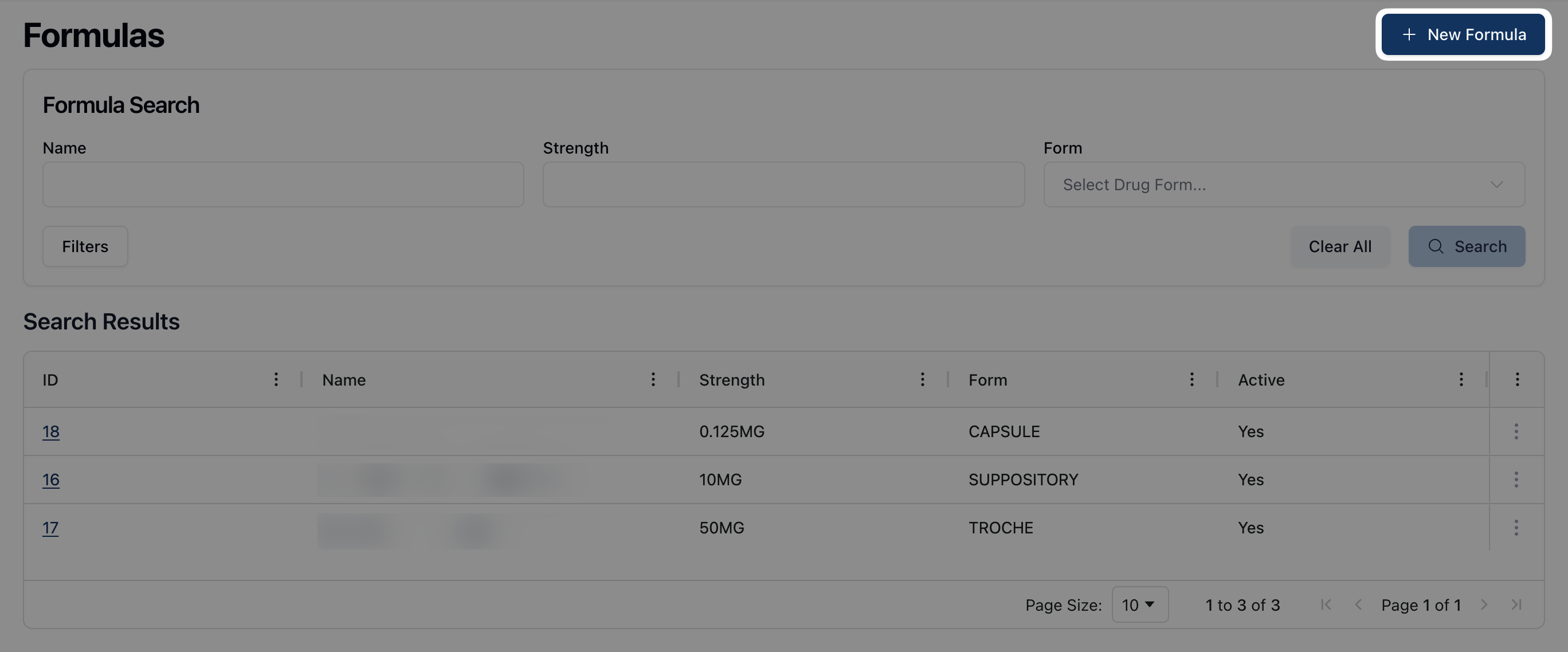
Navigate to the Formulas page and click on the + New Formula button.
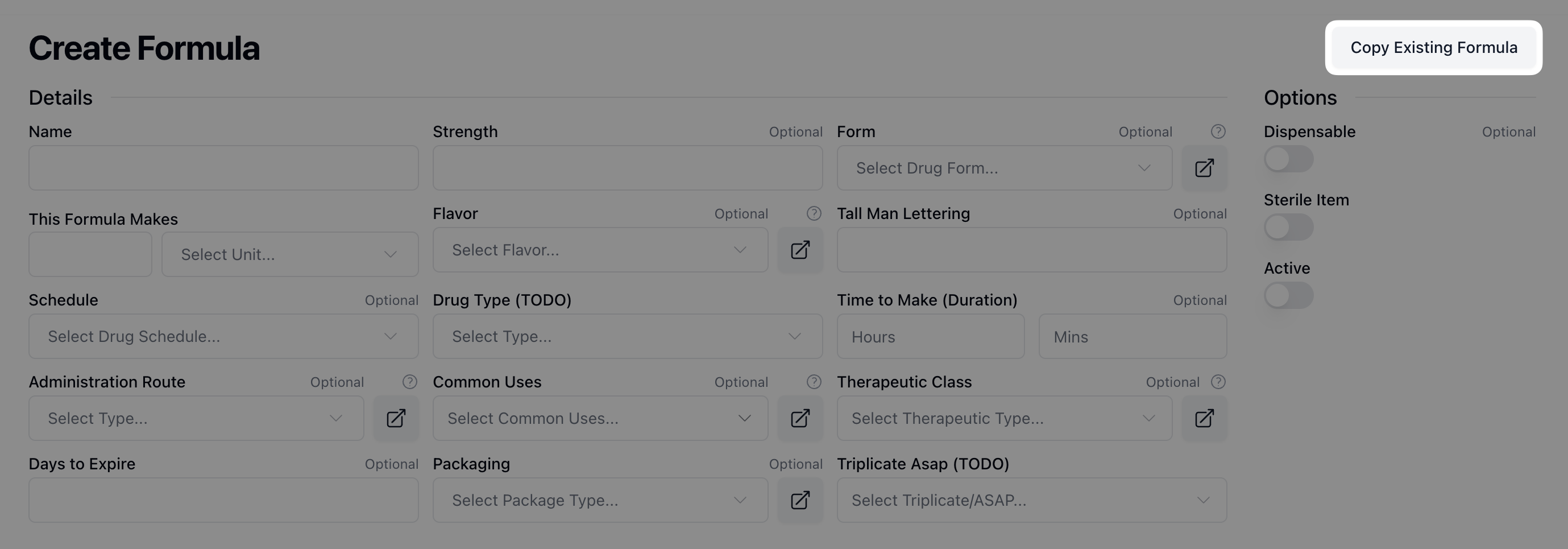
If the formula is similar to an existing formula, click the Copy Existing Formula button on the Create Formula form.
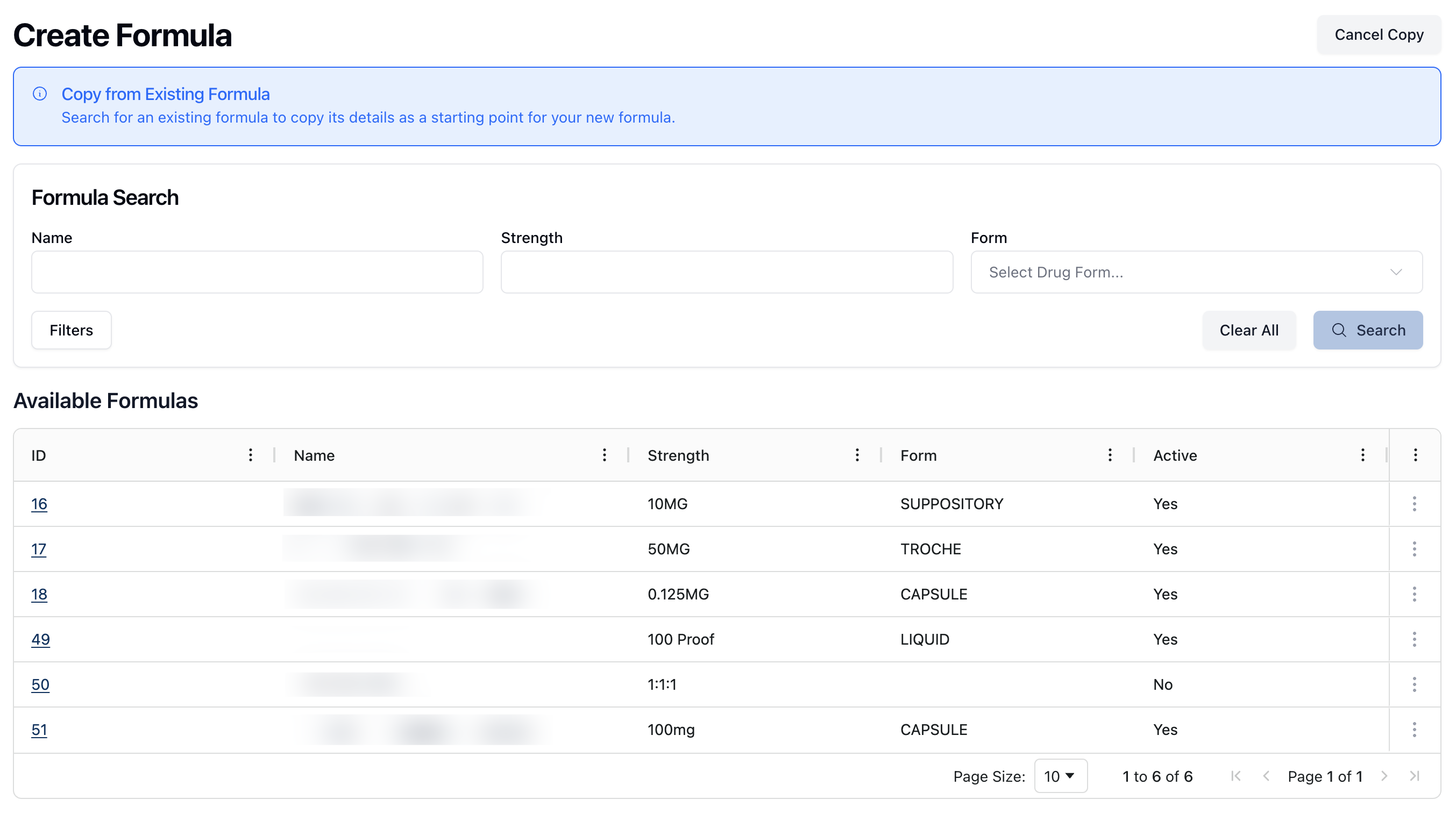
Enter any relevant search terms on the Formula Search page and click Search.
Select the formula you would like to copy from the formula search results.
Once selected, you will return to the Create Formula form, which now includes a green informational banner displaying information about the formula from which you are copying.
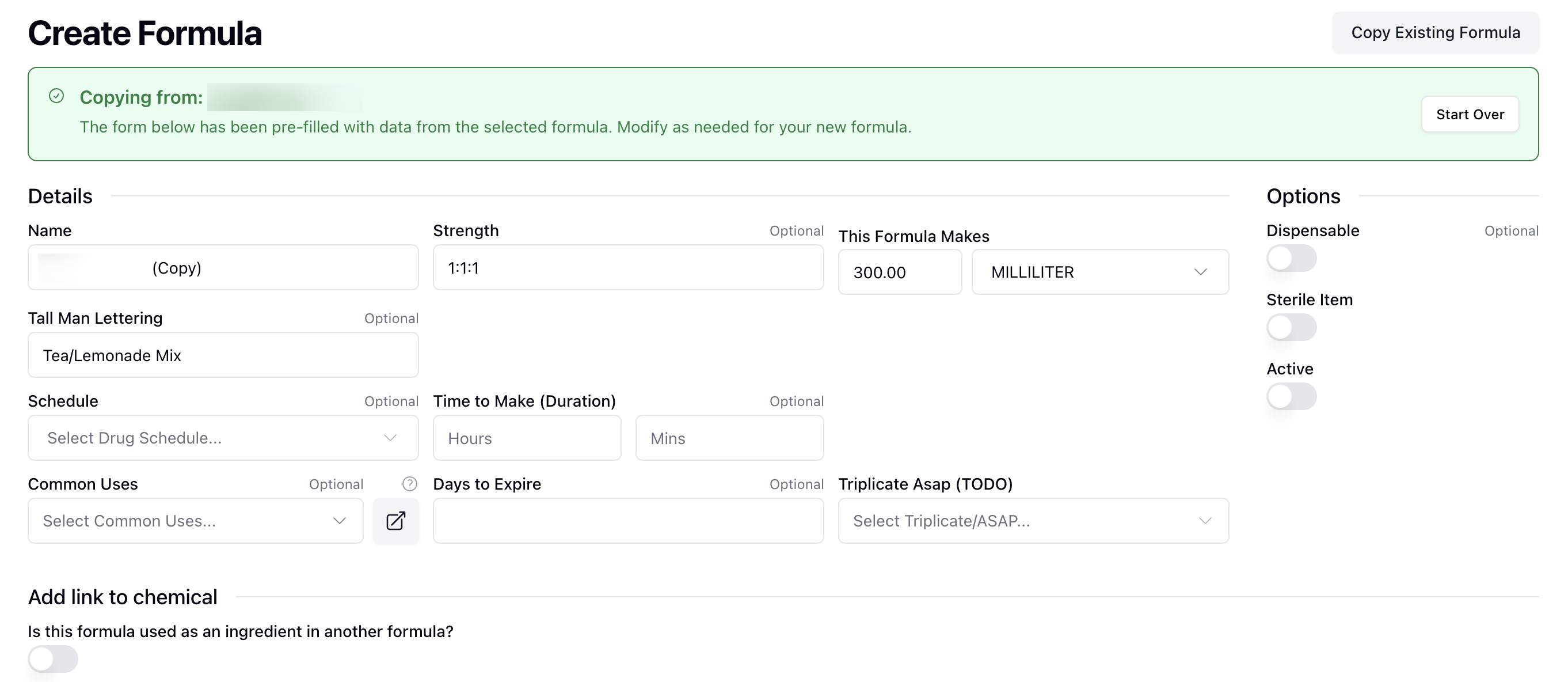
Follow the remaining steps, updating or adjusting the existing information as you go.
If you are creating a formula from scratch, begin by entering the relevant information to the Details section of the Create Formula form. Note: For some fields, available options may be managed via the Pharmacy Settings page or by clicking on the icon next to the text box.
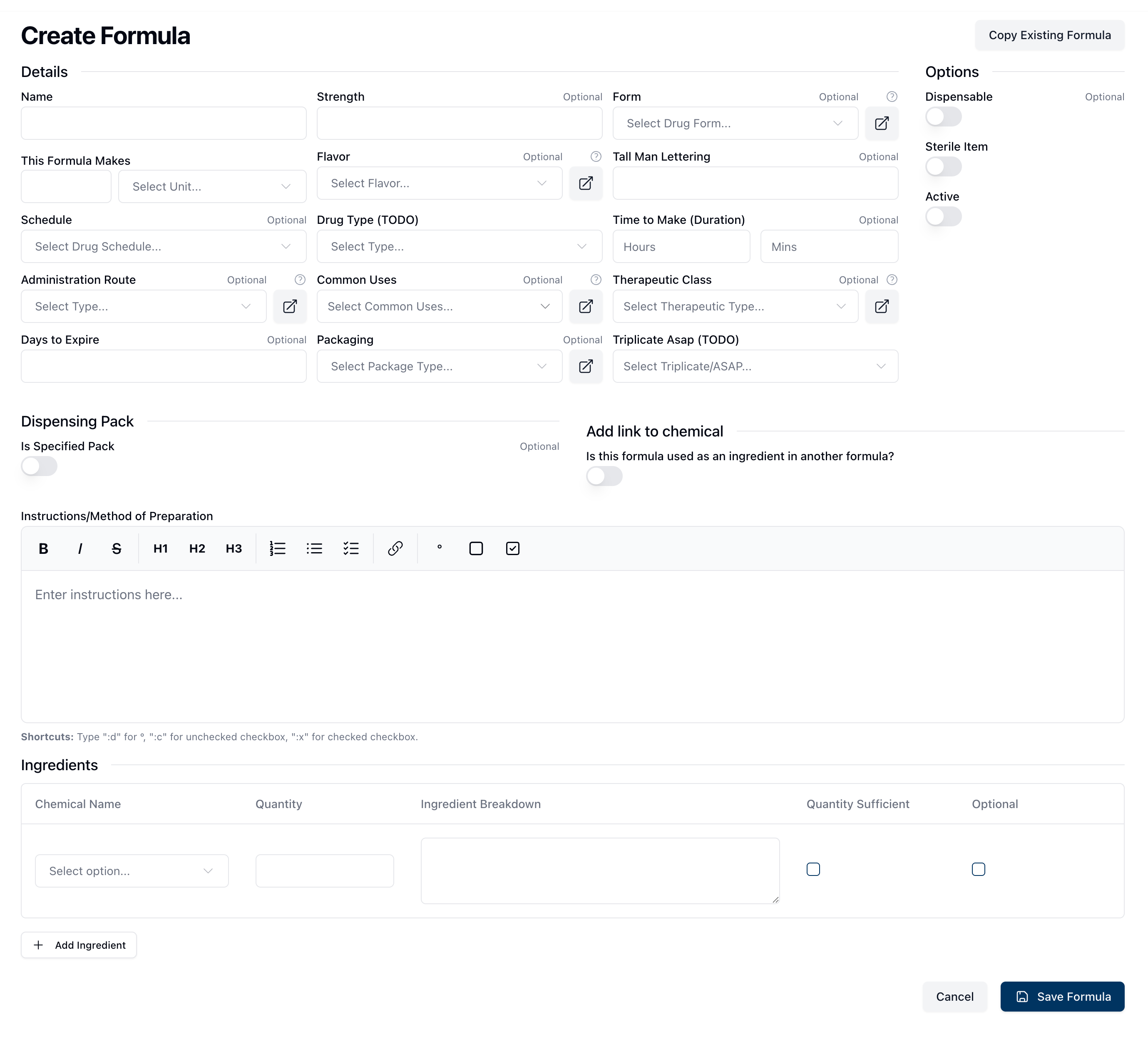
Toggle on or off the relevant settings for the formula under the Options sidebar on the right side of the page.
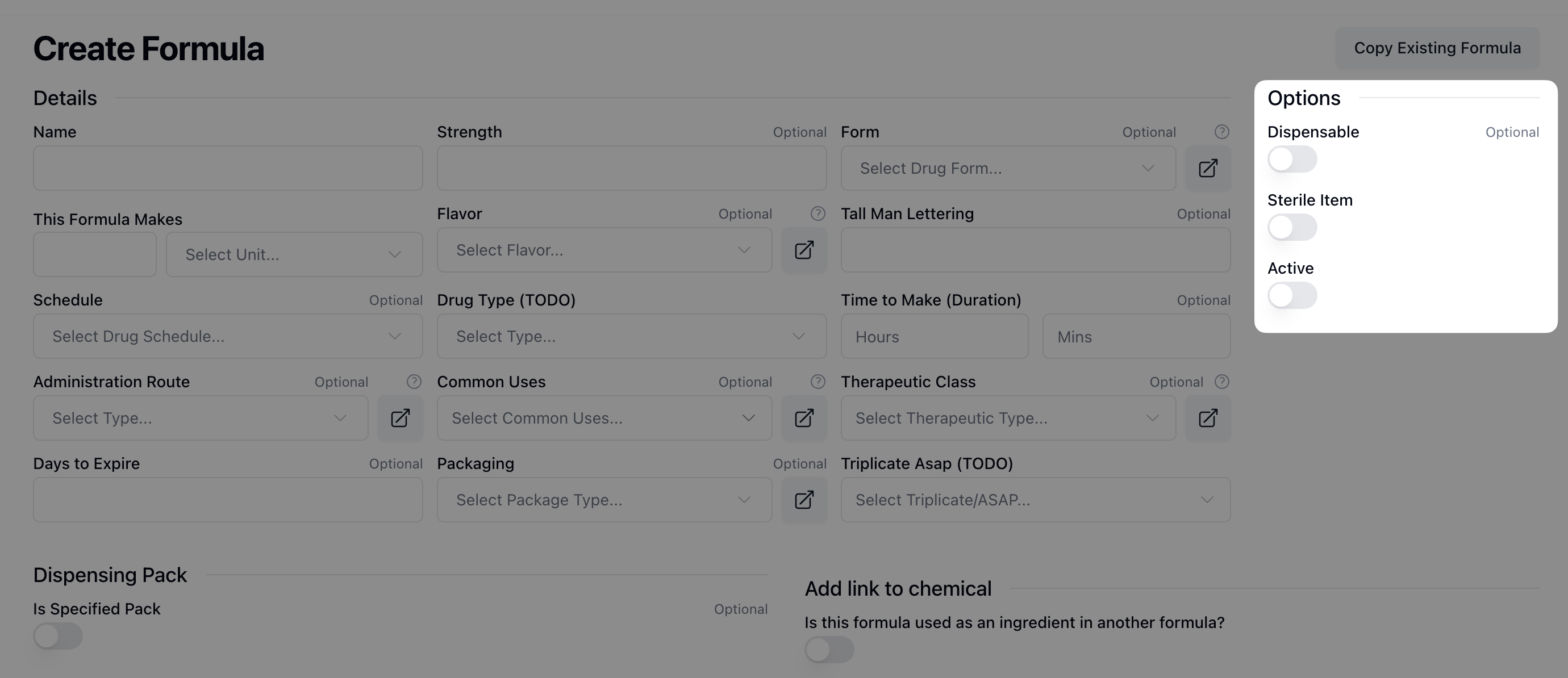
If the chemical has a specified pack, toggle on the relevant option under Dispensing Pack.
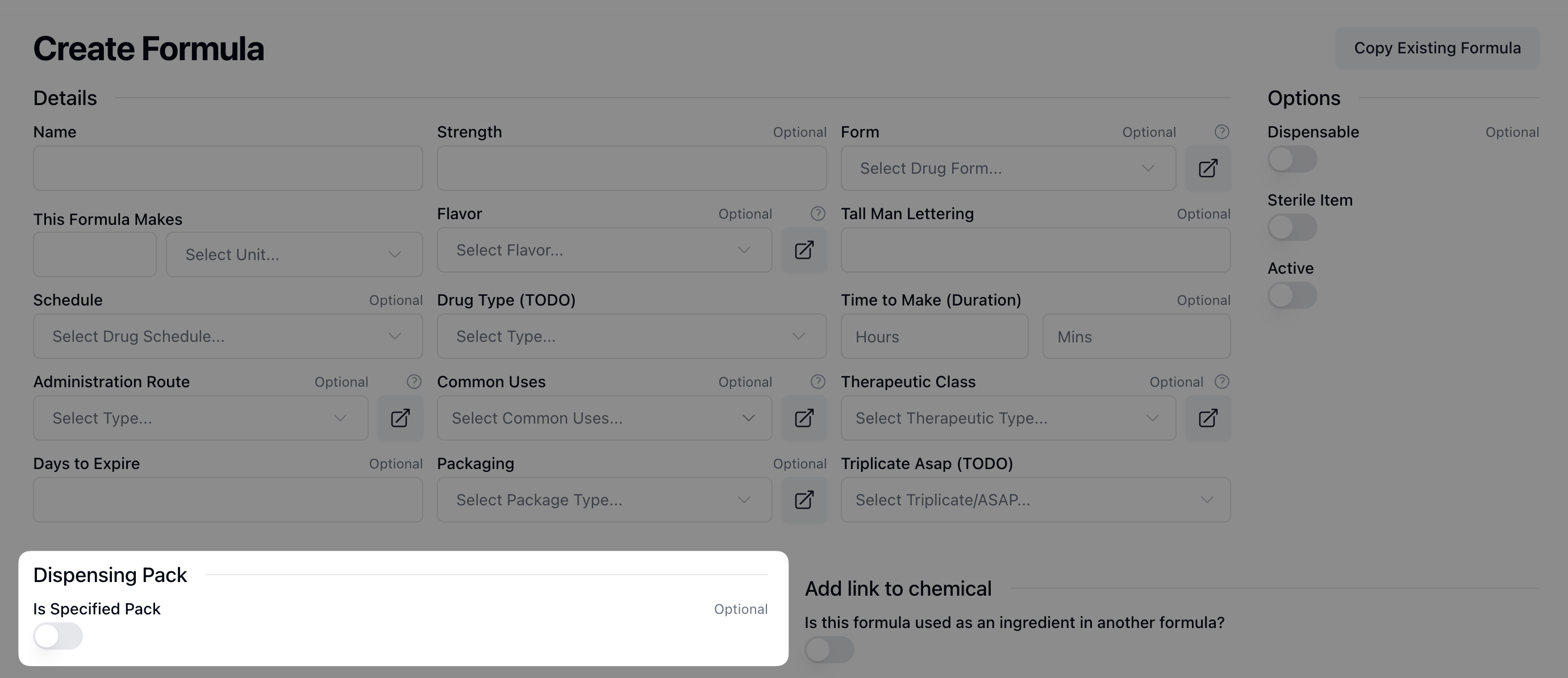
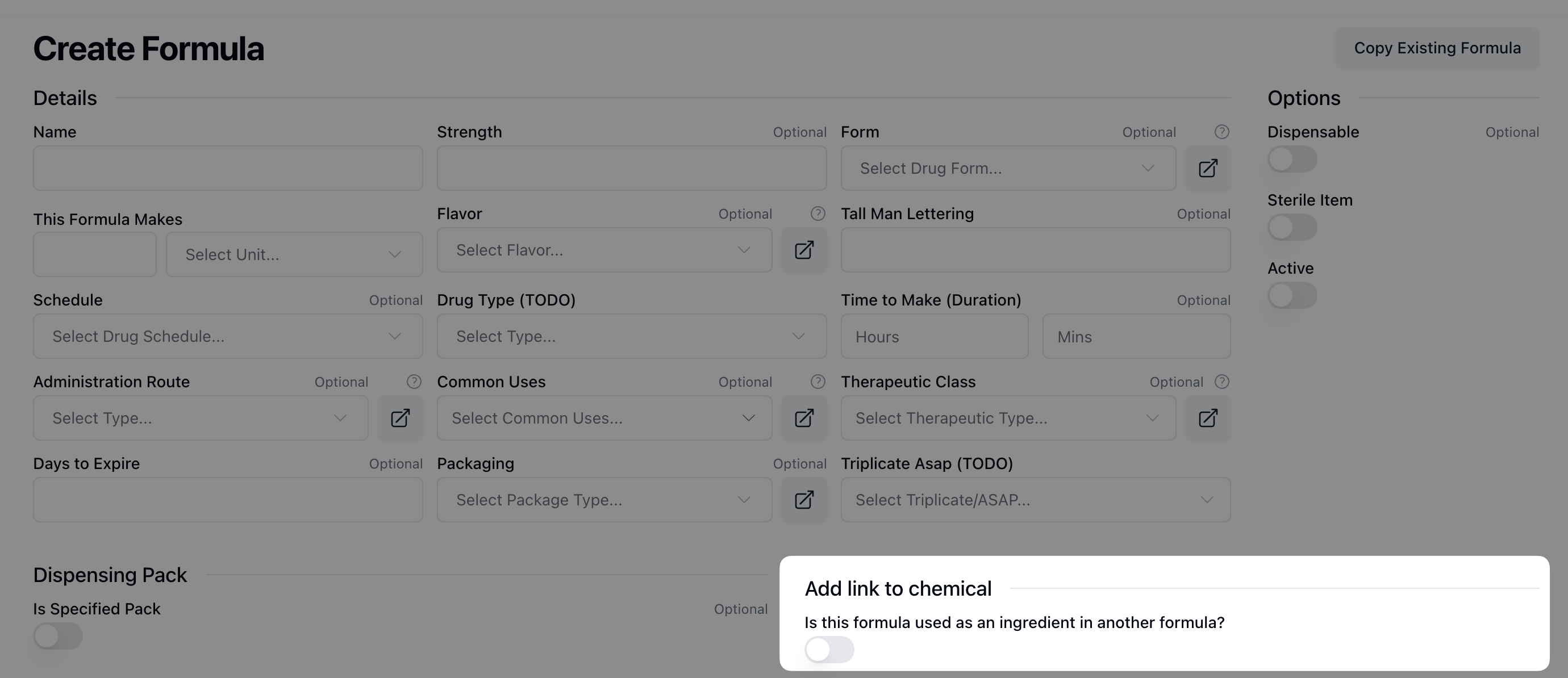
If the formula is used as an ingredient in another formula, toggle the relevant option under Add link to chemical. Here, search for and select the relevant chemical in the search box that appears or click Create Chemical if the chemical record does not yet exist. (To do: Should this be "Add link to formula" or will it only link to a chemical record?)
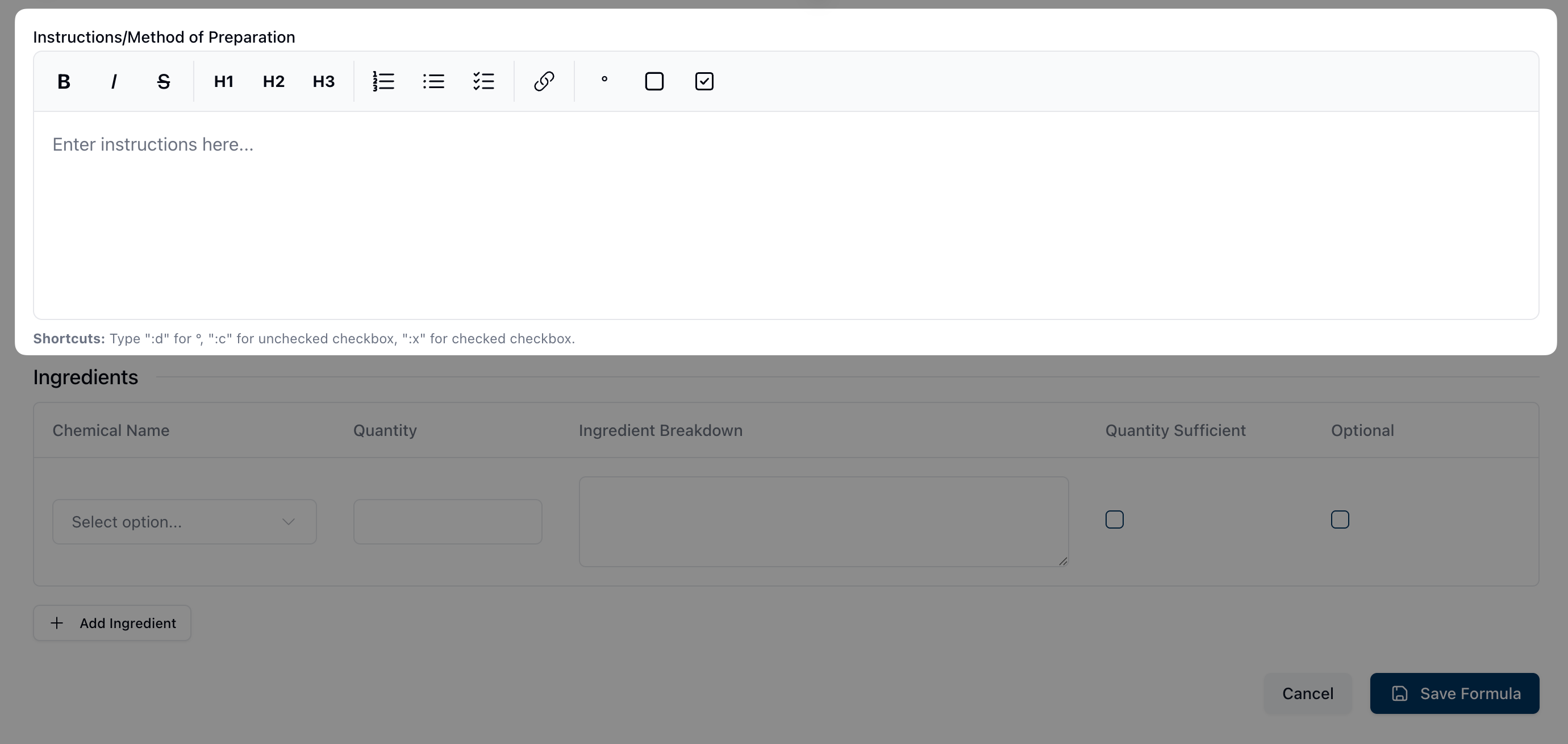
Enter the step-by-step formula instructions in the text box below Instructions/Method of Preparation. Use the Formatting Toolbar to adjust the formatting for the instructions.
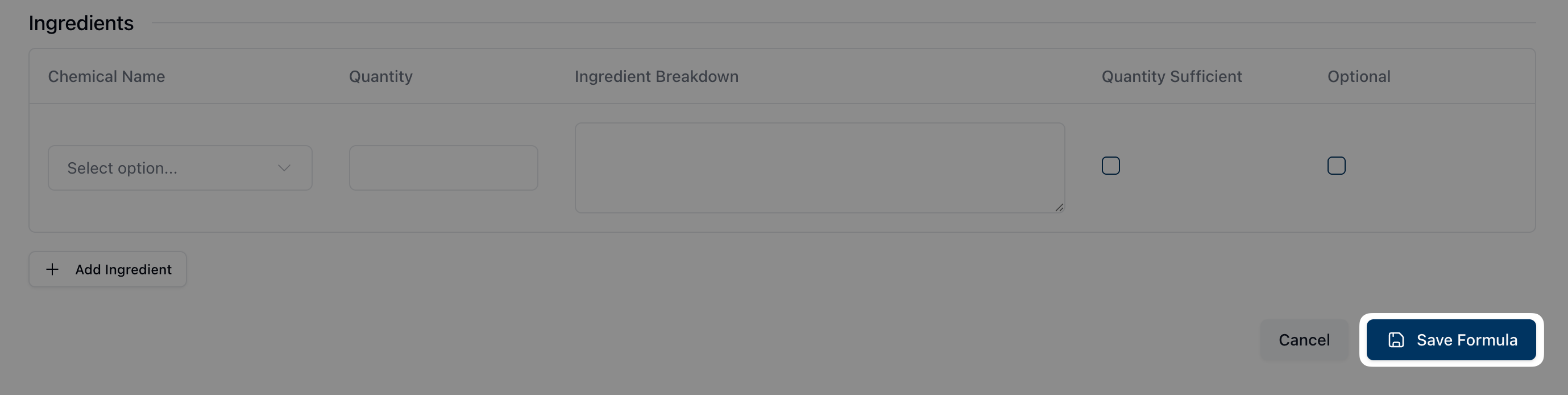
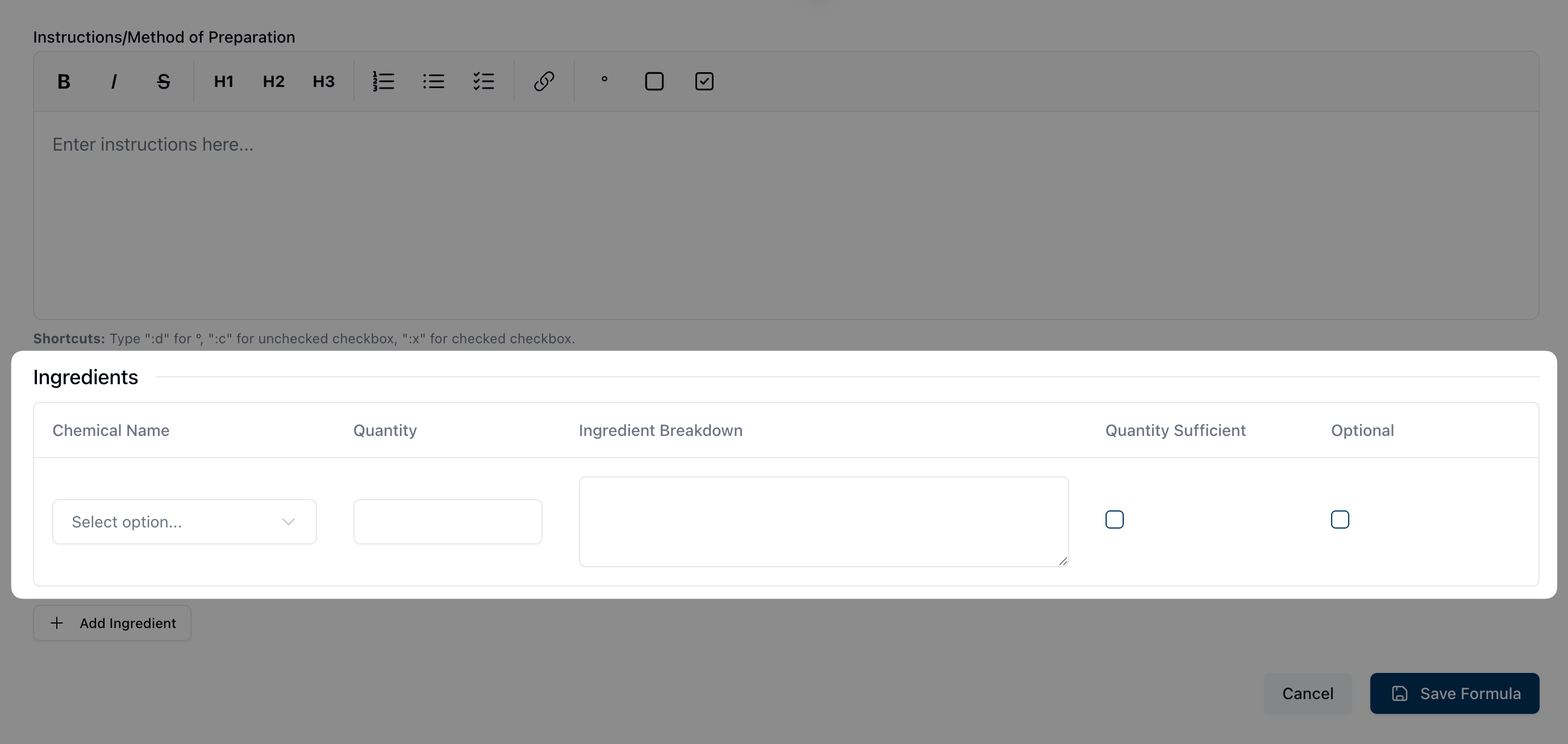
Add each ingredient to the formula by searching for the relevant chemical name below Ingredients > Chemical Name. After selecting the chemical name, include any additional relevant information, such as the quantity and/or ingredient breakdown.
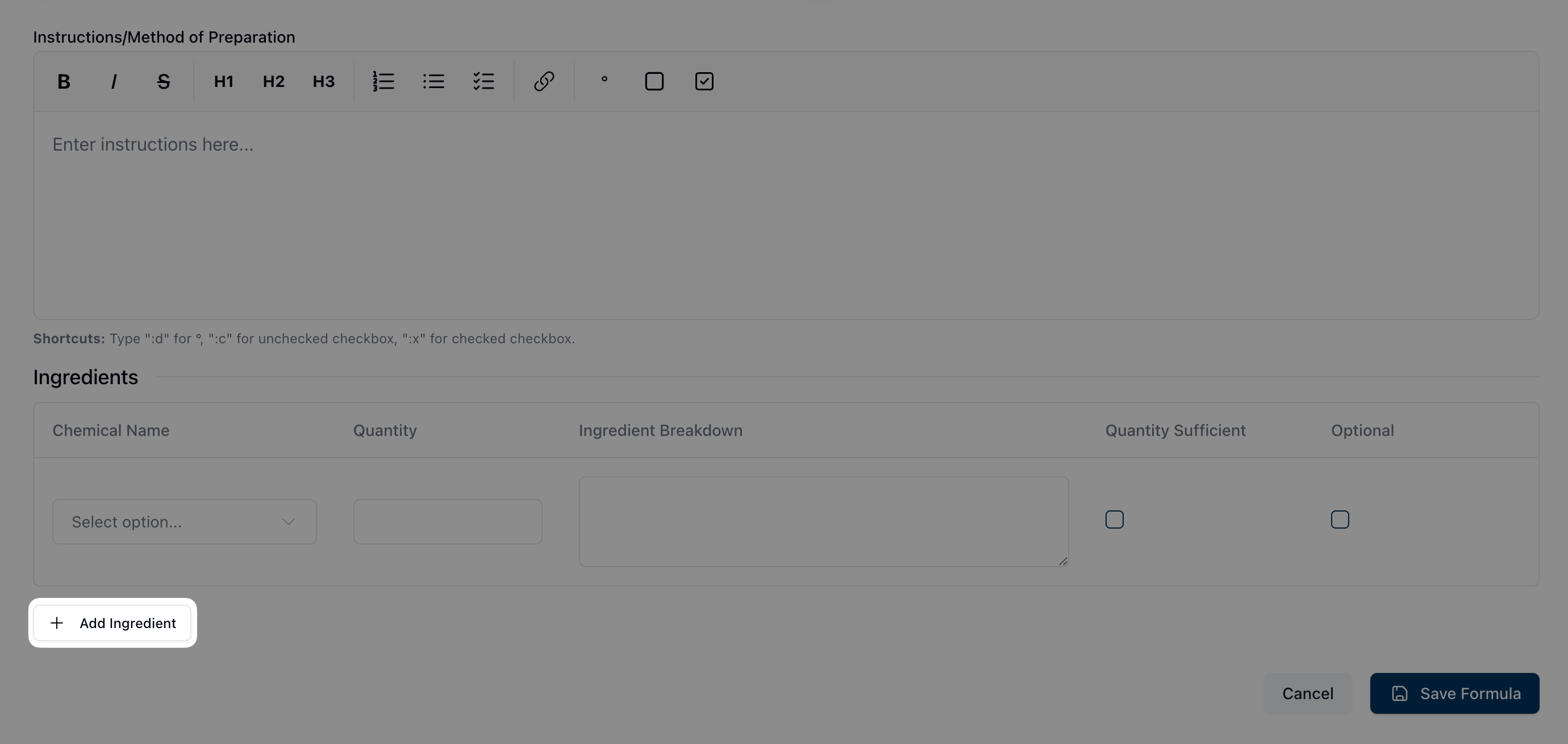
To add additional ingredients, click on the + Add Ingredient button and repeat the previous step until all ingredients have been added.
Once all the relevant fields have been completed, click the Save Formula button.