How-to: Editing a formula ingredient
how-to
Navigate to the Ingredients/Instructions tab for the formula you would like to update.
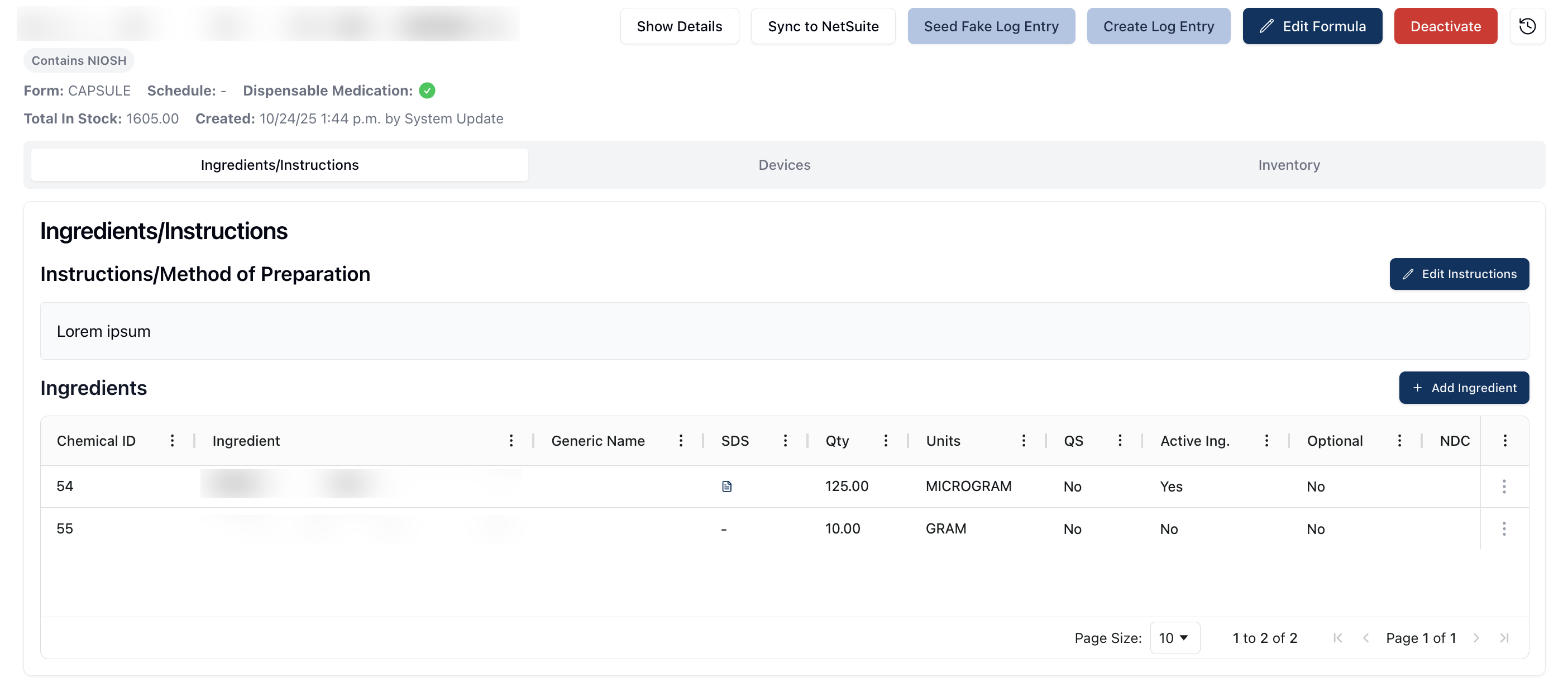
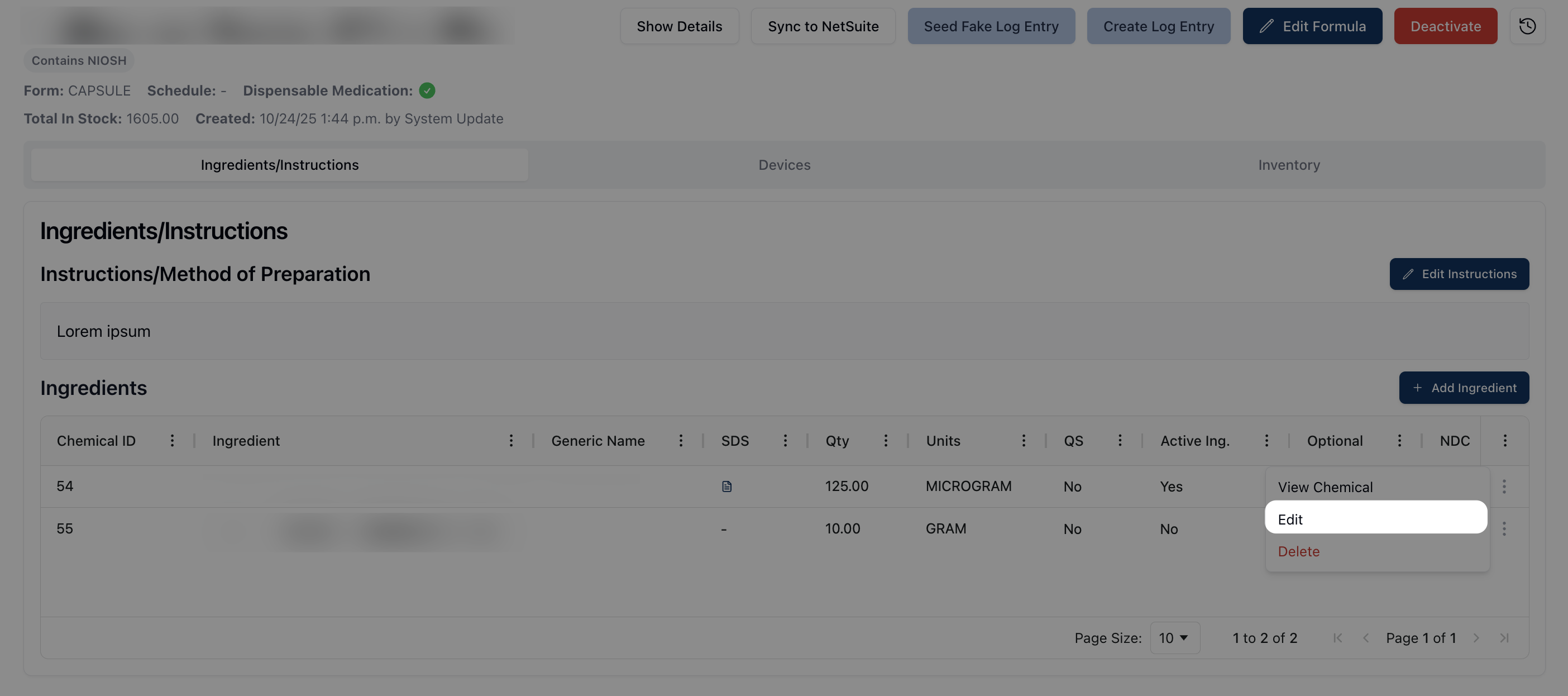
Locate the ingredient you would like to update in the Ingredients table and click on the three dots ( ⠇) to the right of the ingredient. Select Edit from the drop-down menu.
Make any relevant changes or updates via the Edit Ingredient form. Note that updating the Chemical Name and/or Quantity will automatically update the Units, NDC, and Stock fields.
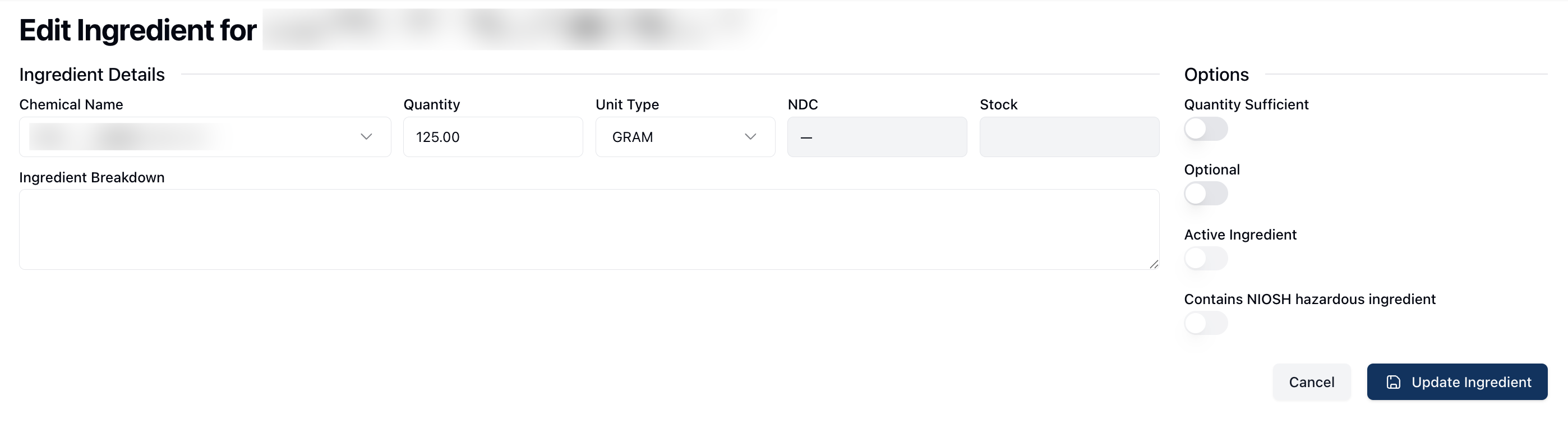
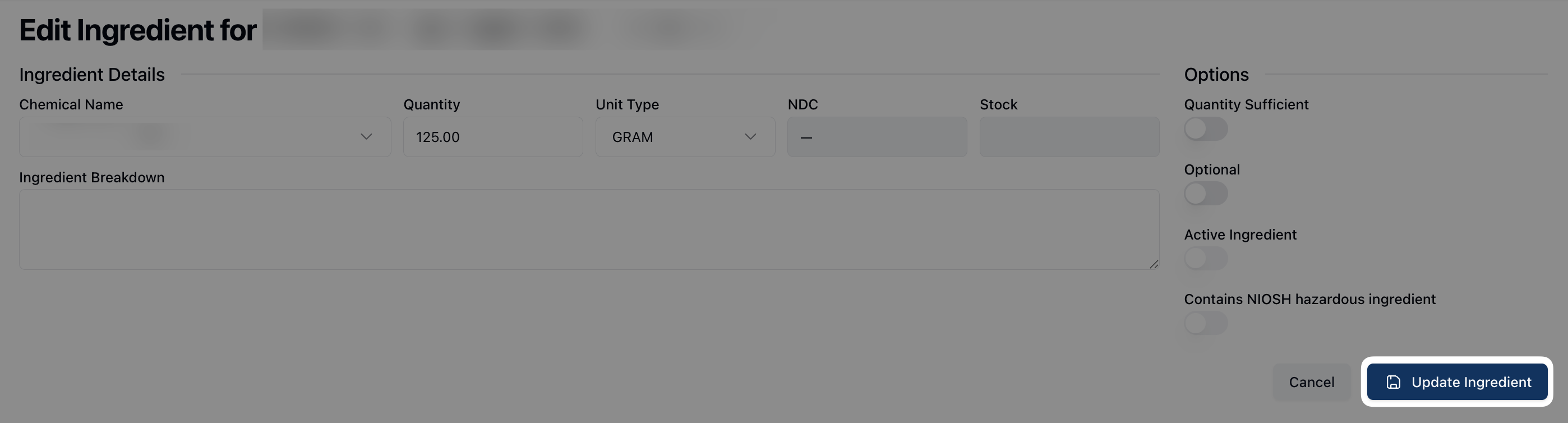
Once all changes are made, click the Update Ingredient button.