How-to: Adding a formula ingredient
how-to
Navigate to the Instructions/Ingredients tab and click the + Add Ingredient button.
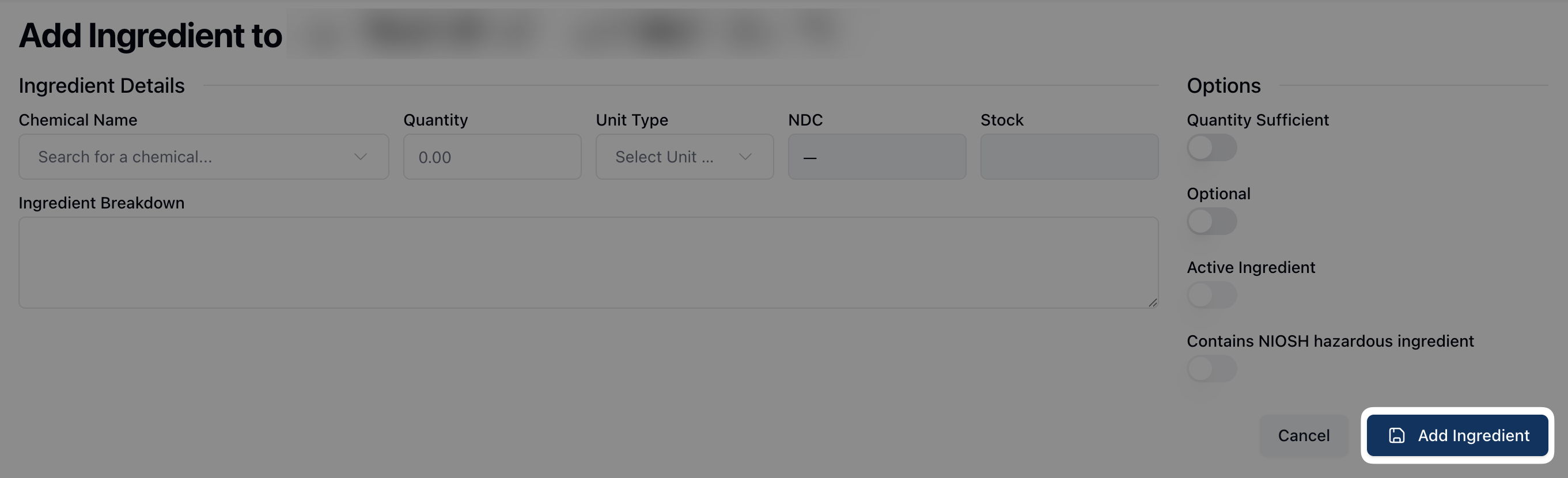
Search for the ingredient using the search function in the Chemical Name field.
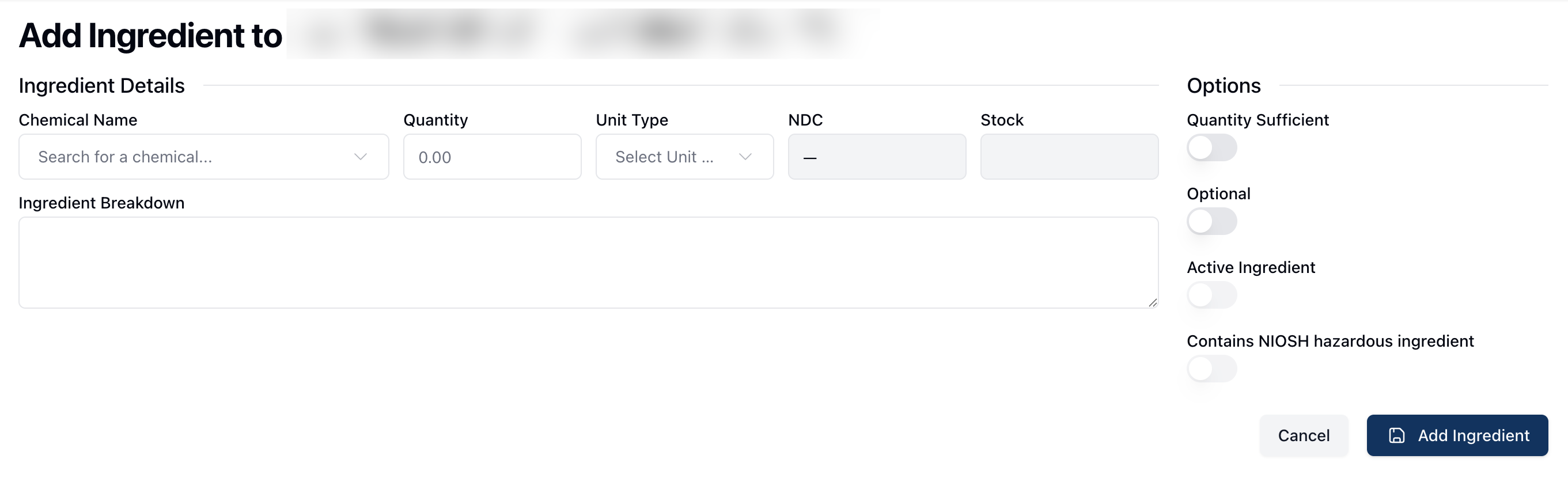
Add the Quantity of the ingredient. Note that the Units, NDC, and Stock fields will automatically update after entering the name and quantity.
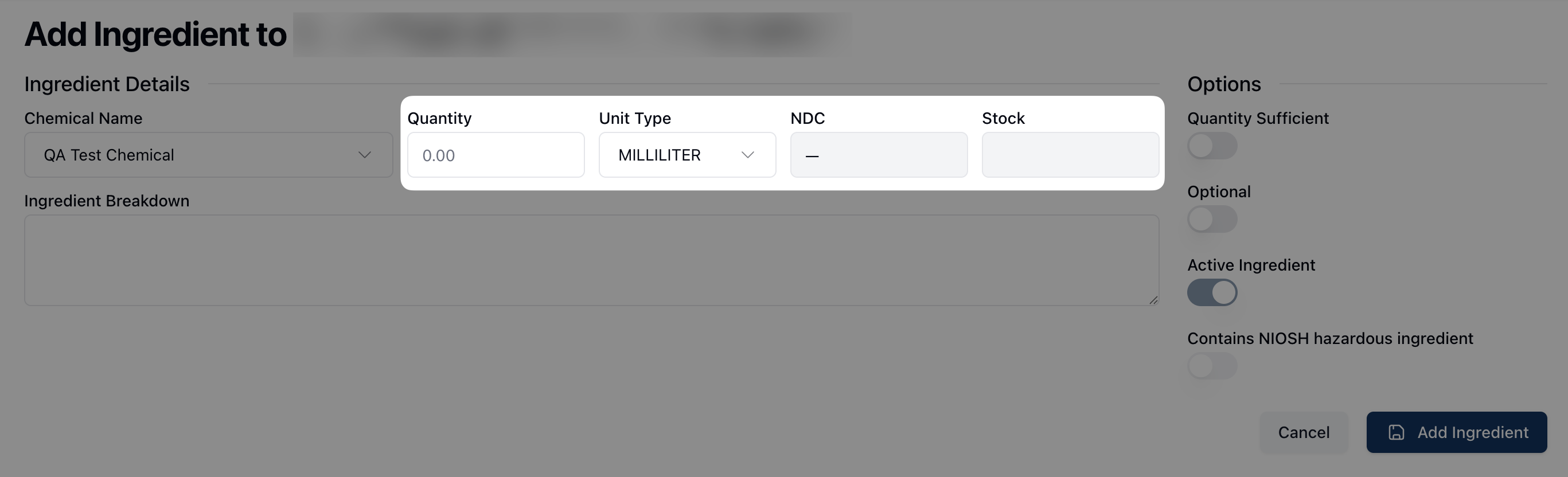
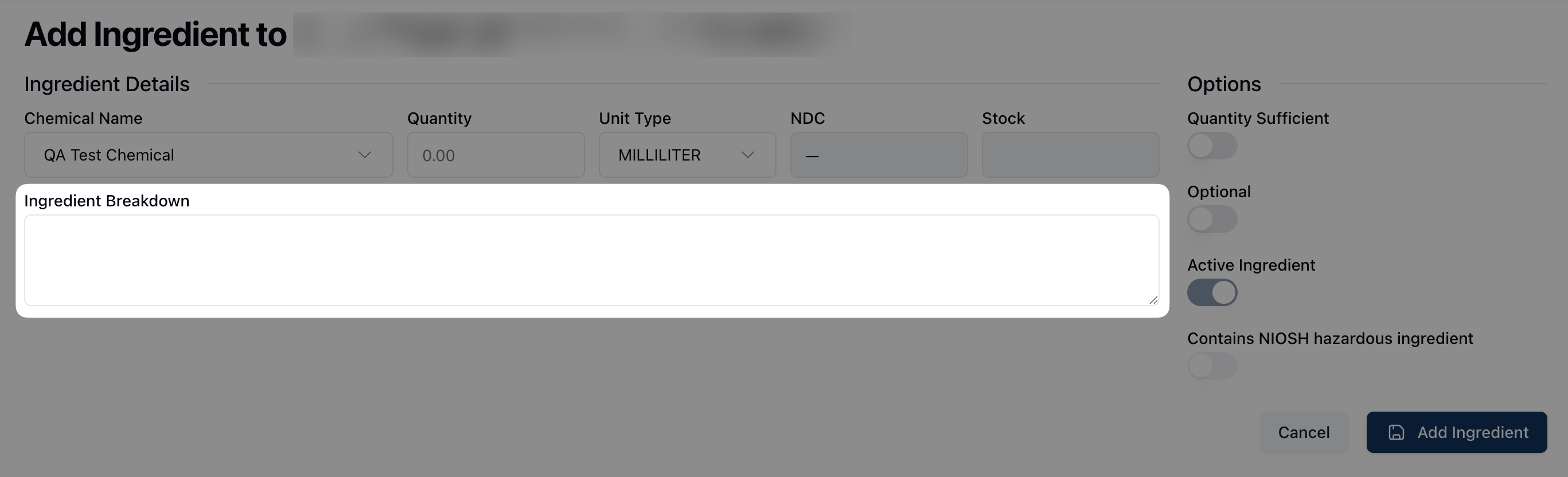
If applicable, add the Ingredient Breakdown to the text field below.
Toggle any relevant settings in the Options section in the right sidebar.
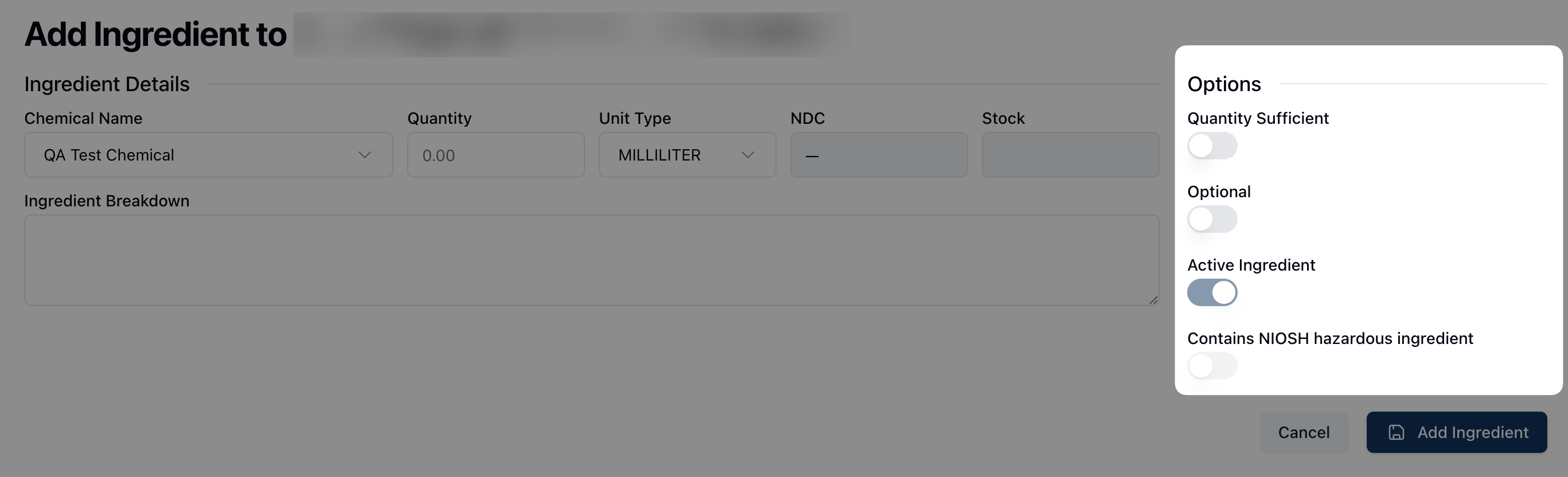
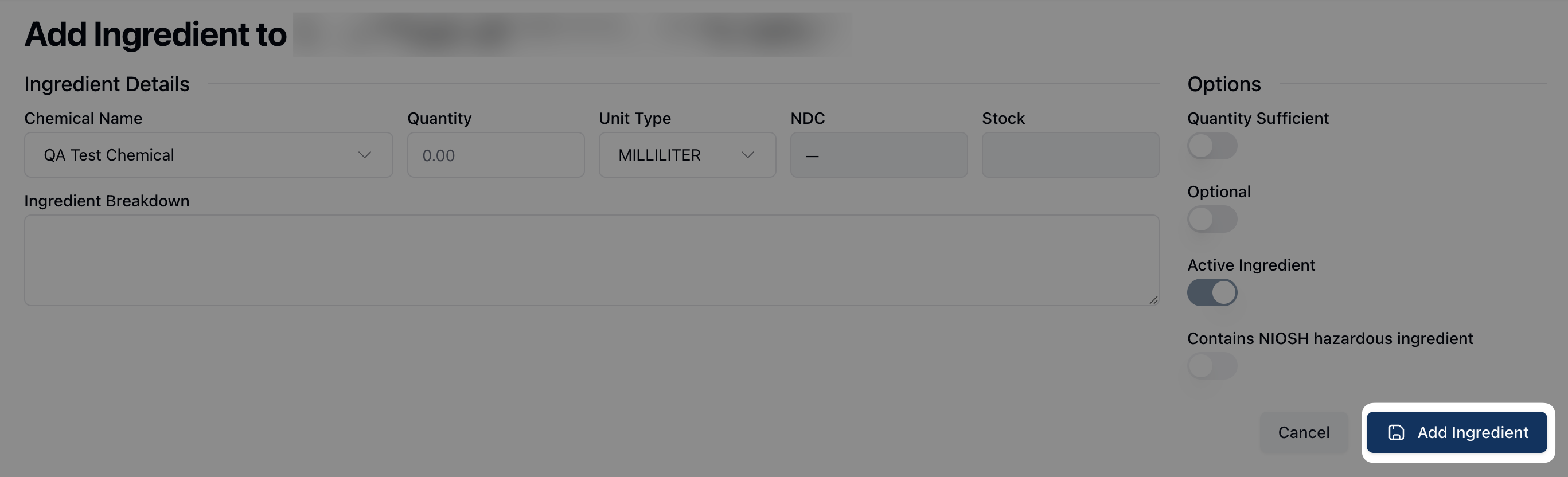
Once all fields have been completed, click Add Ingredient.