How-to: Editing formula instructions
how-to
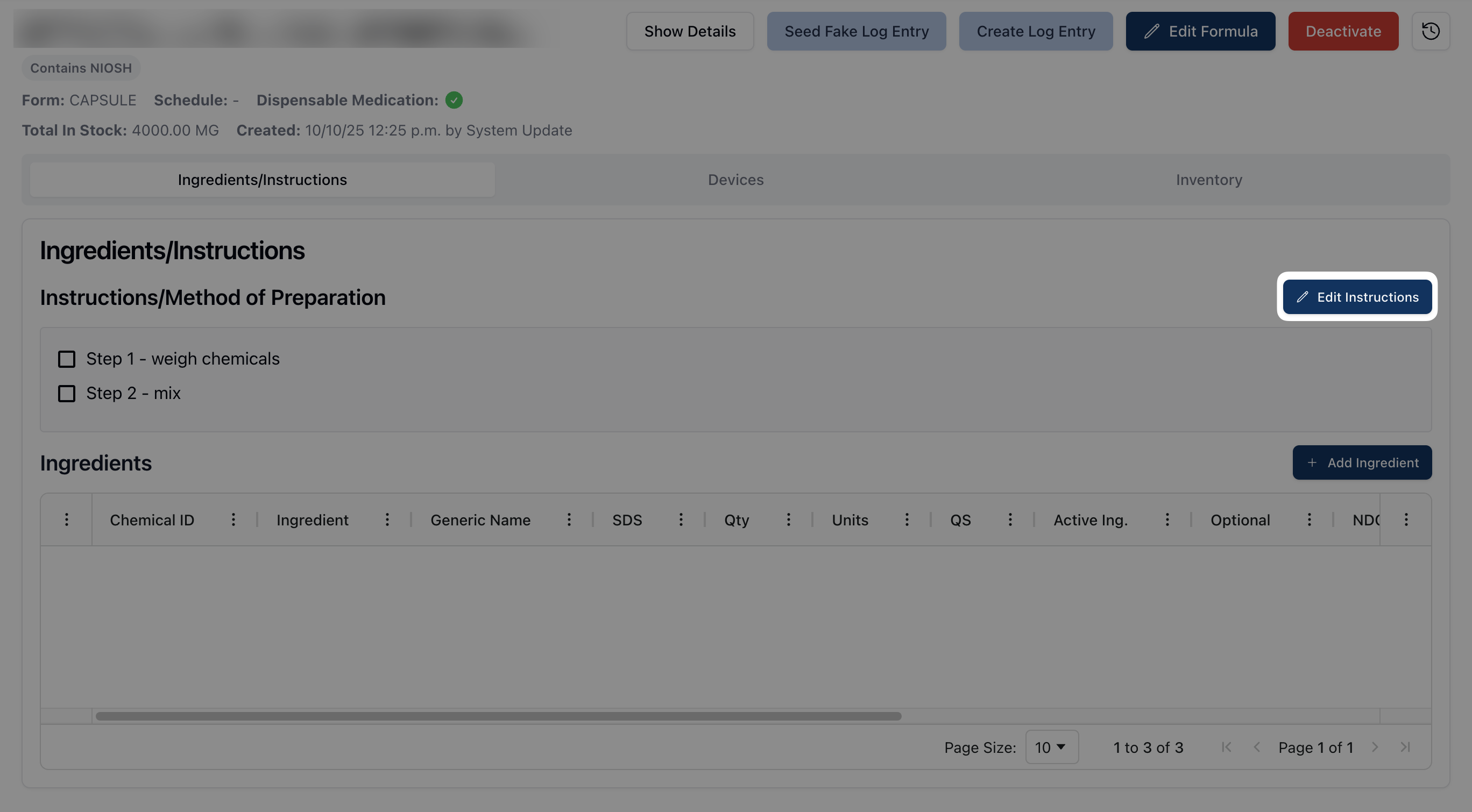
Navigate to the Ingredients/Instructions tab and click the Edit Instructions button in the Ingredients/Instructions section.
Place your cursor into the rich text editor to directly edit and/or change the text that appears.
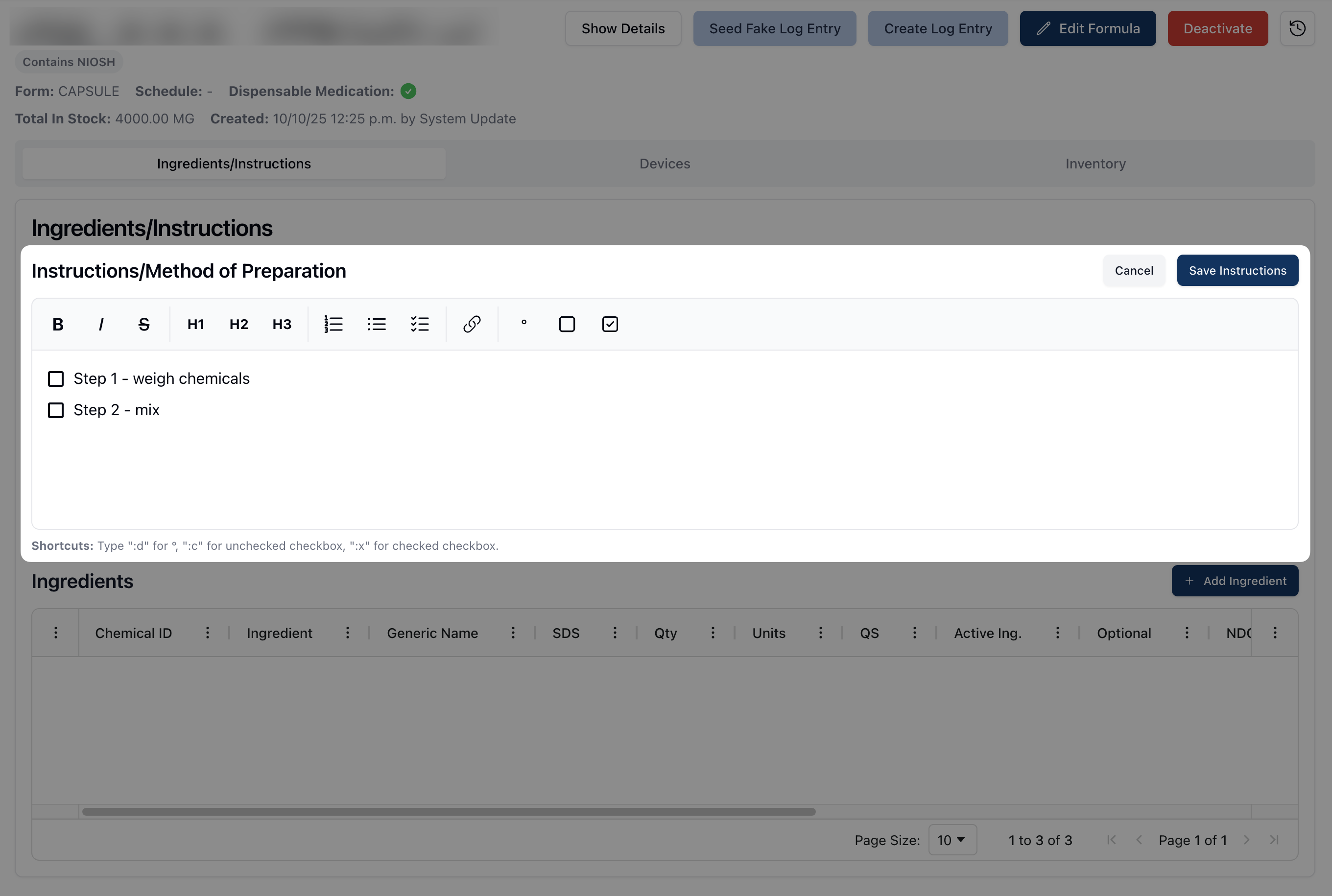
Use the formatting toolbar to adjust the layout and formatting for each step.

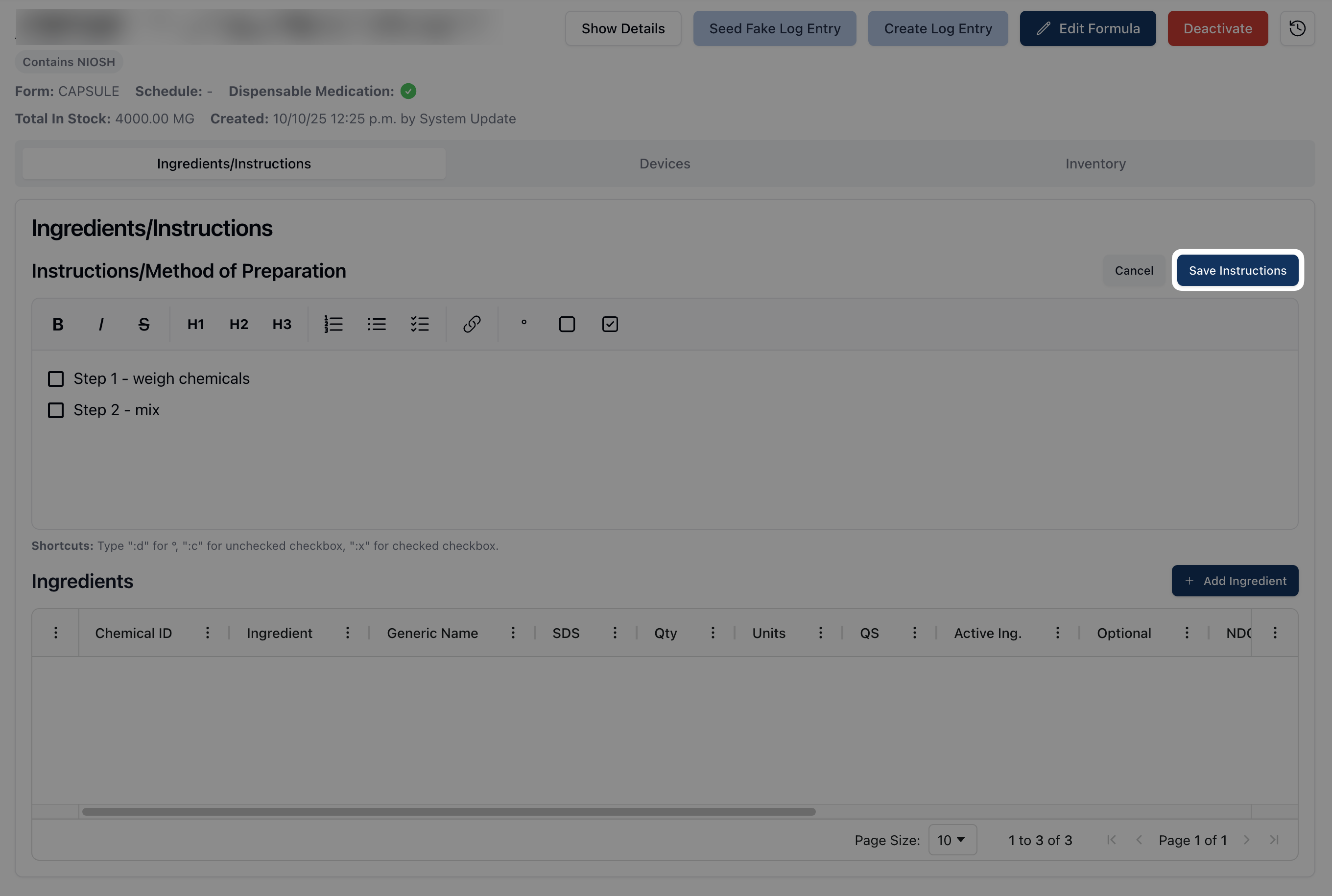
Once all relevant changes have been made, click the Save Instructions button.