How-to: Adding a prescriber document
how-to
A streamlined, step-by-step refresher for adding a prescriber document.
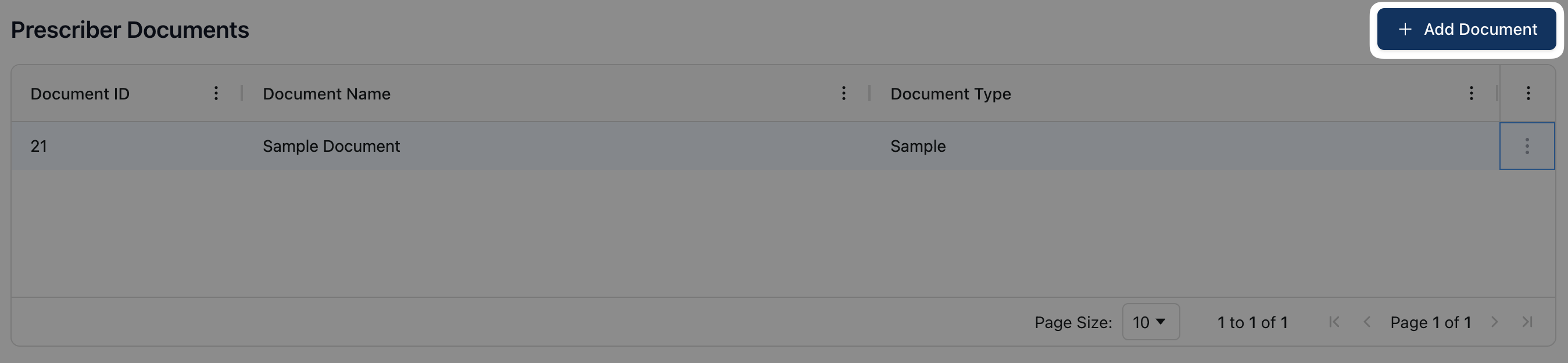
Navigate to the Documents tab and click the + Add Document button in the upper right corner of the page.
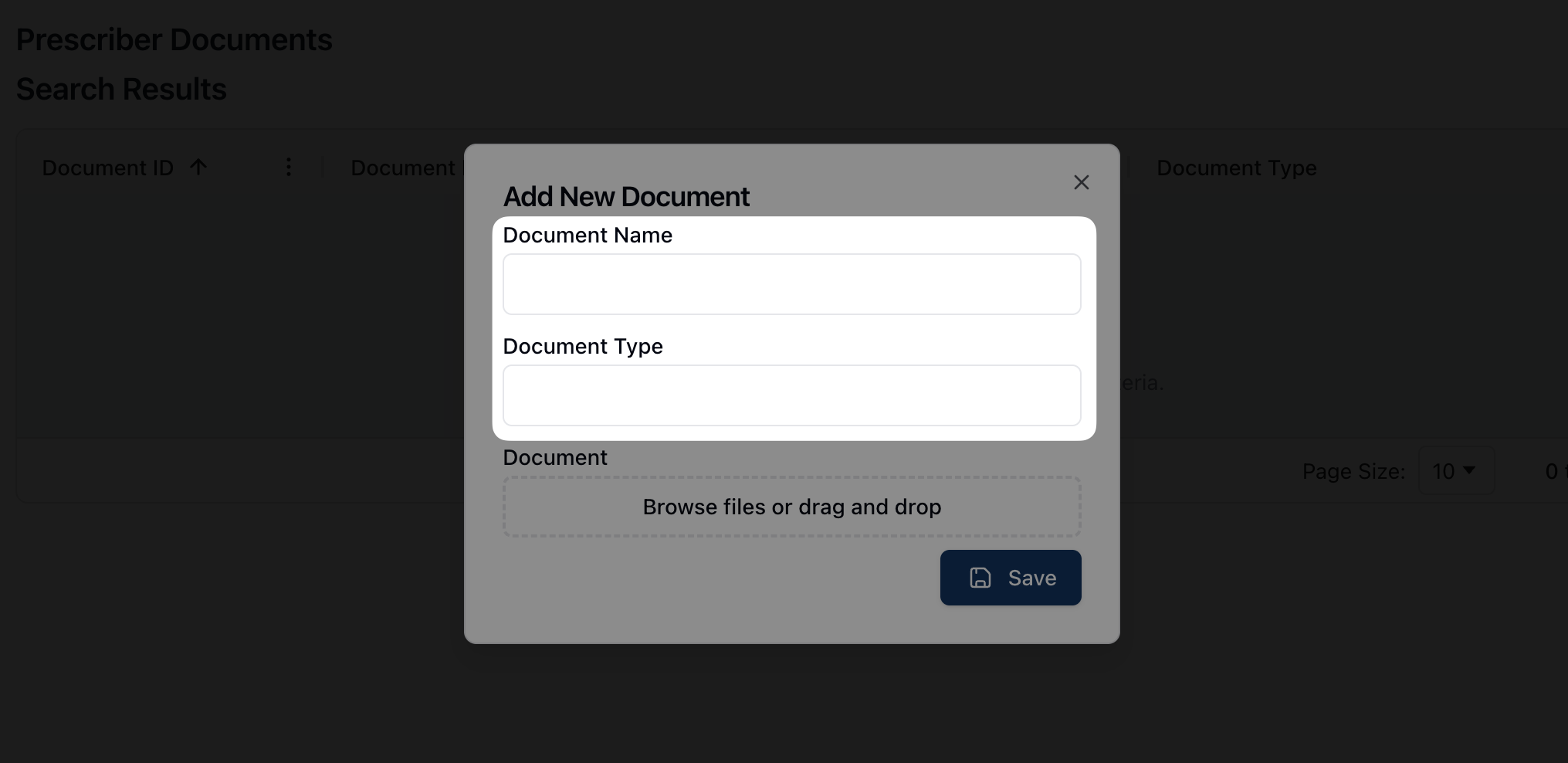
In the Add New Document form, fill out the Document Name and Document Type fields.
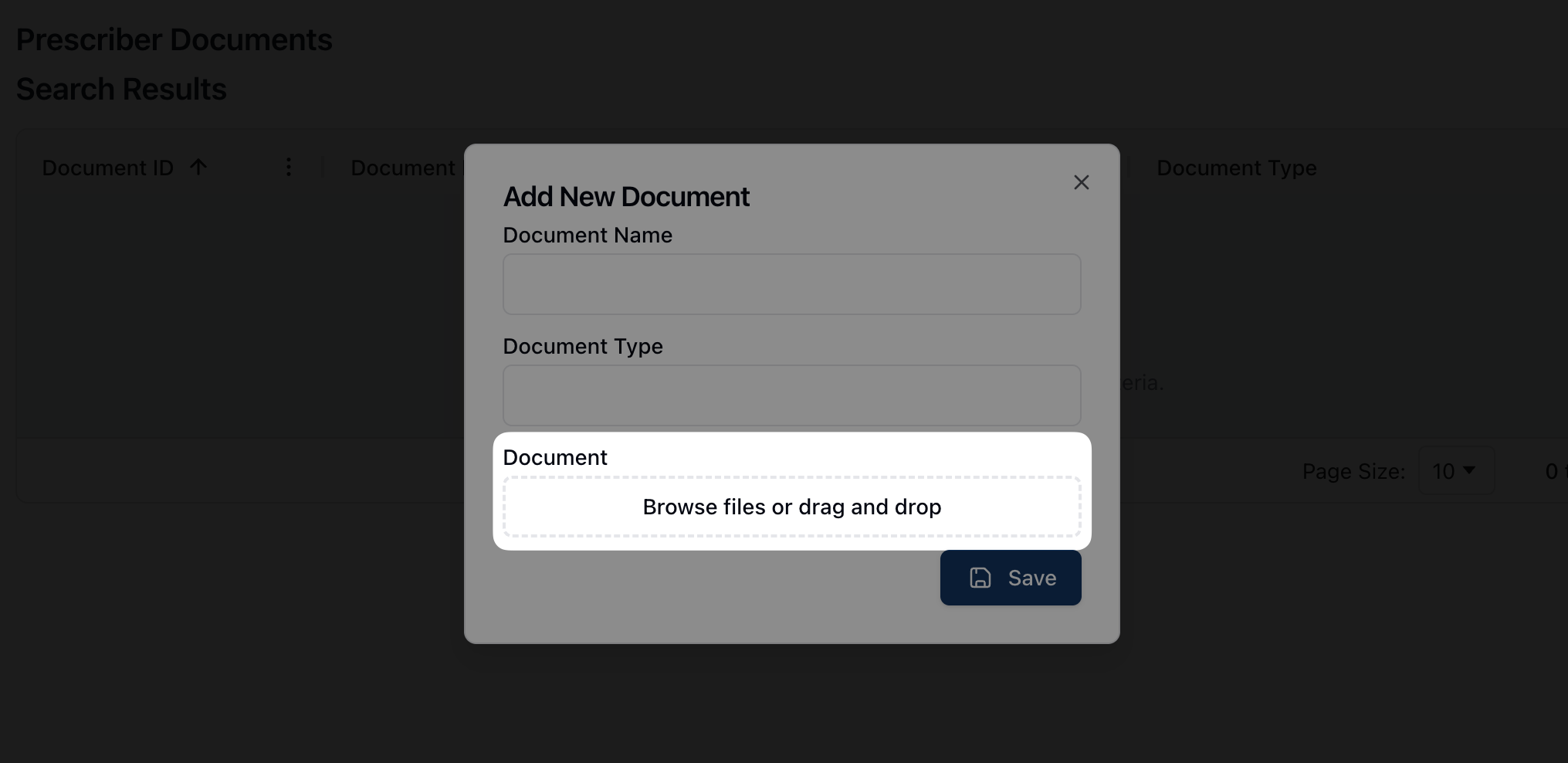
Upload the related document by clicking on Browse files or drag and drop the related documents into the window.
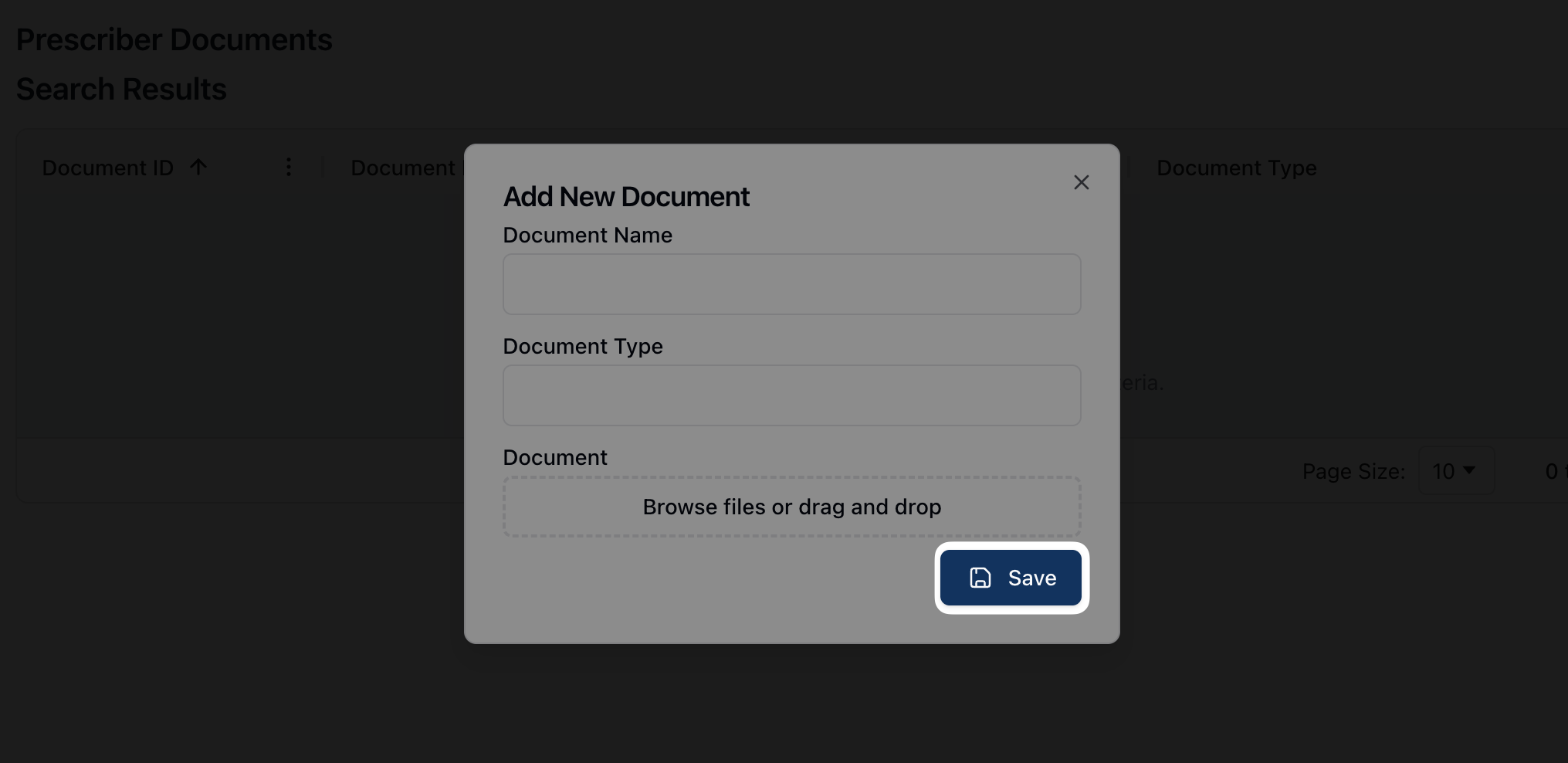
Once complete, click the Save button to upload the document to the prescriber profile.