How-to: Adding a chemical identifier
how-to
A streamlined, step-by-step refresher for adding a chemical identifier.
Navigate to the Identifiers tab from the relevant chemical record and click + Add Identifier.

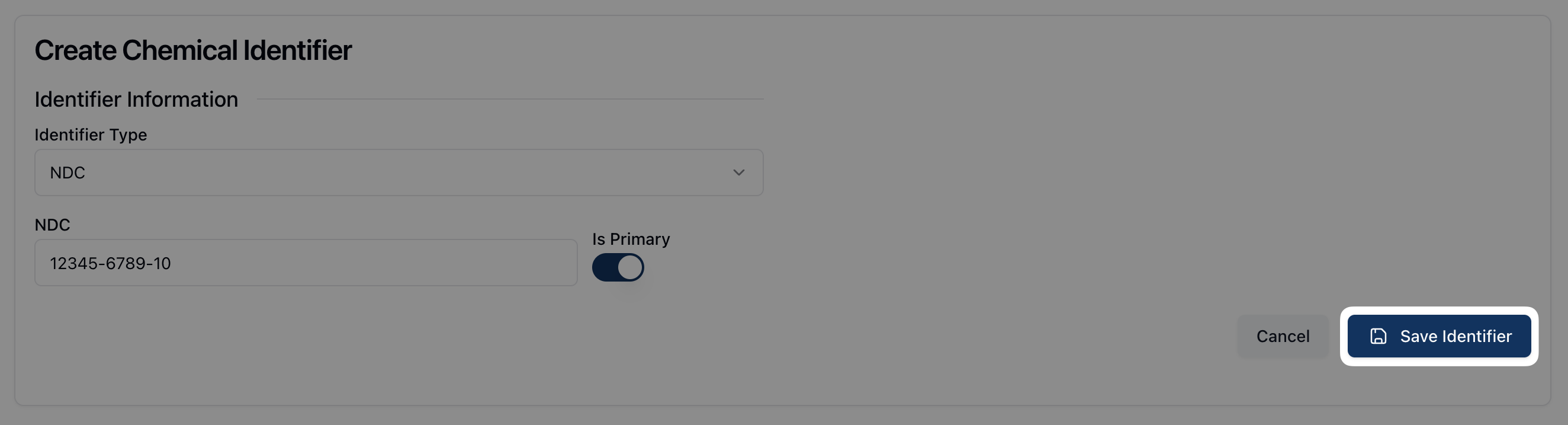
From the Create Chemical Identifier form, select the Identifier Type (NDC, UPC, and Other) from the dropdown menu and enter the relevant identifier in the field below.

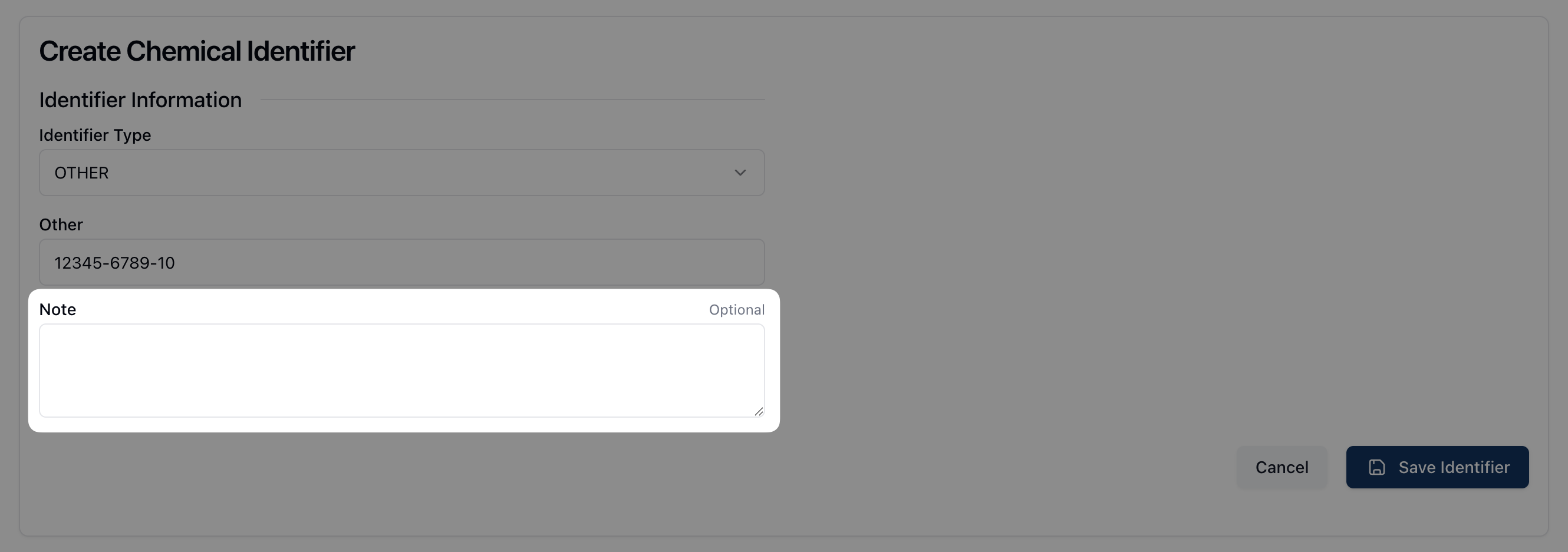
If the identifier type is Other, enter any relevant notes in the available Note field.
If the chemical identifier is the primary identifier, toggle on the button below Is Primary.

Once all relevant fields are complete, click the Save Identifier button.