How-to: Editing a chemical inventory record
A streamlined, step-by-step refresher for editing a chemical inventory record.
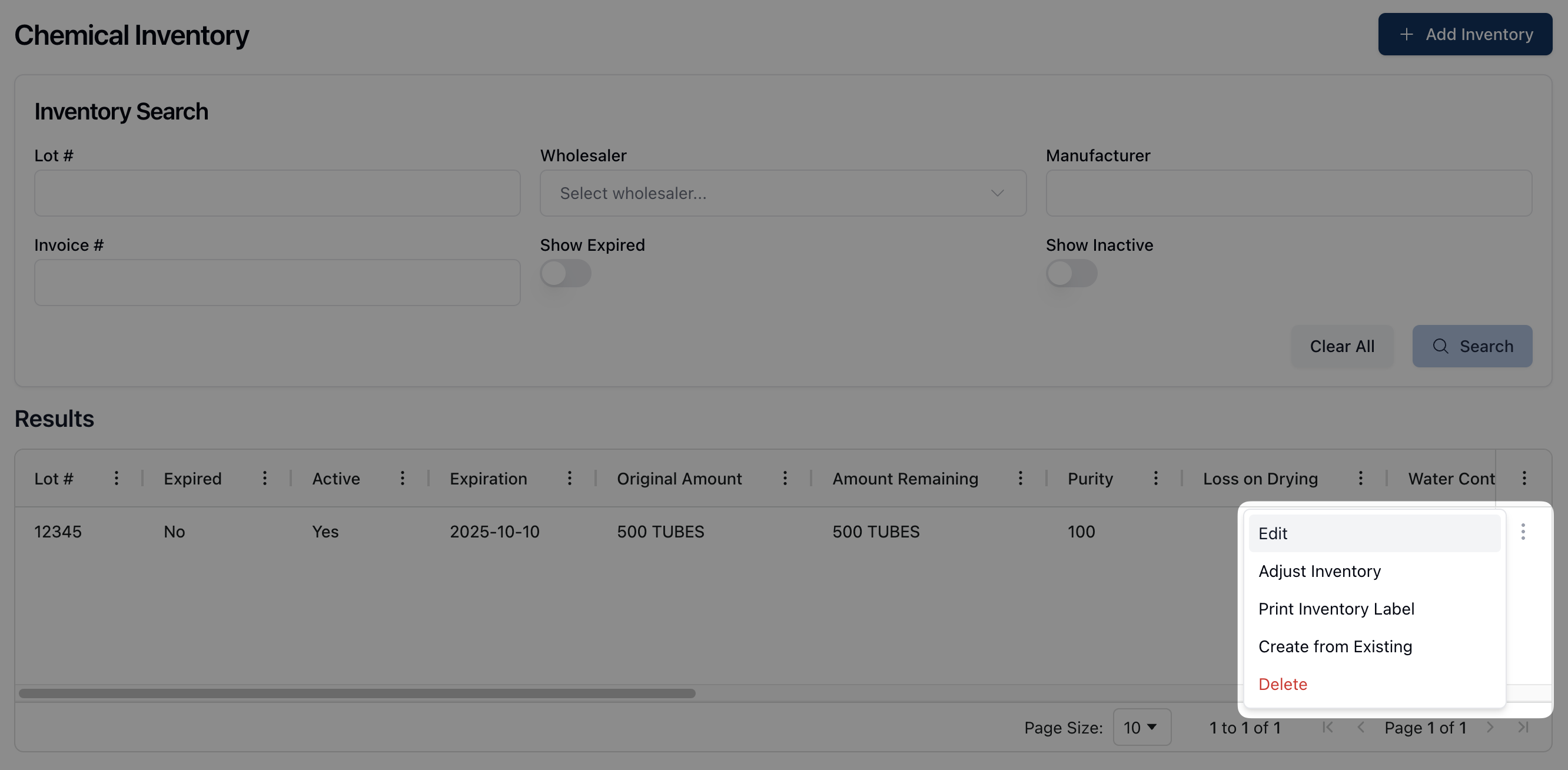
Click the actions menu ( ⠇) next to the relevant chemical inventory record in the Results table and select Edit from the dropdown menu that appears.
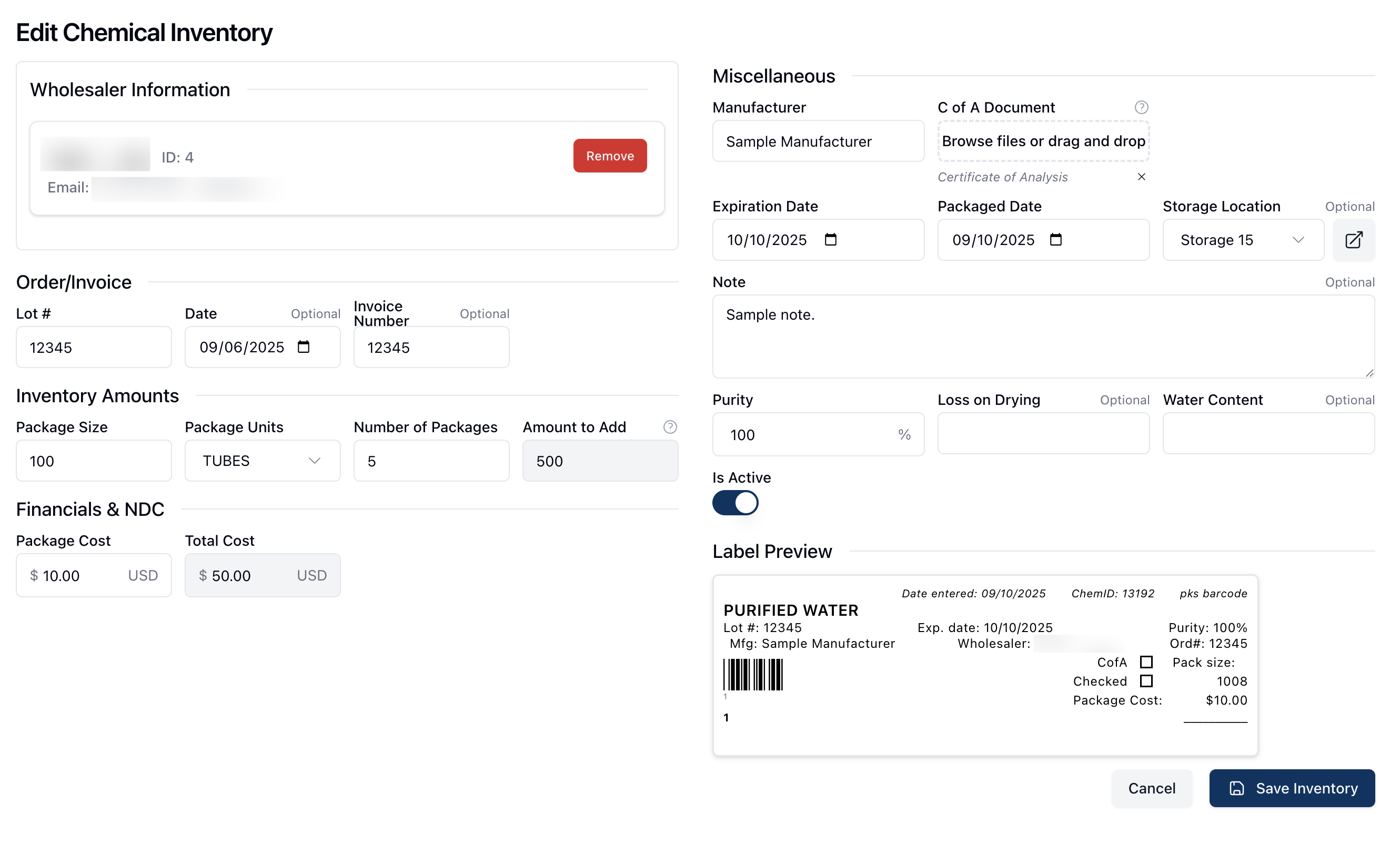
On the Edit Chemical Inventory page, review and edit any relevant fields.
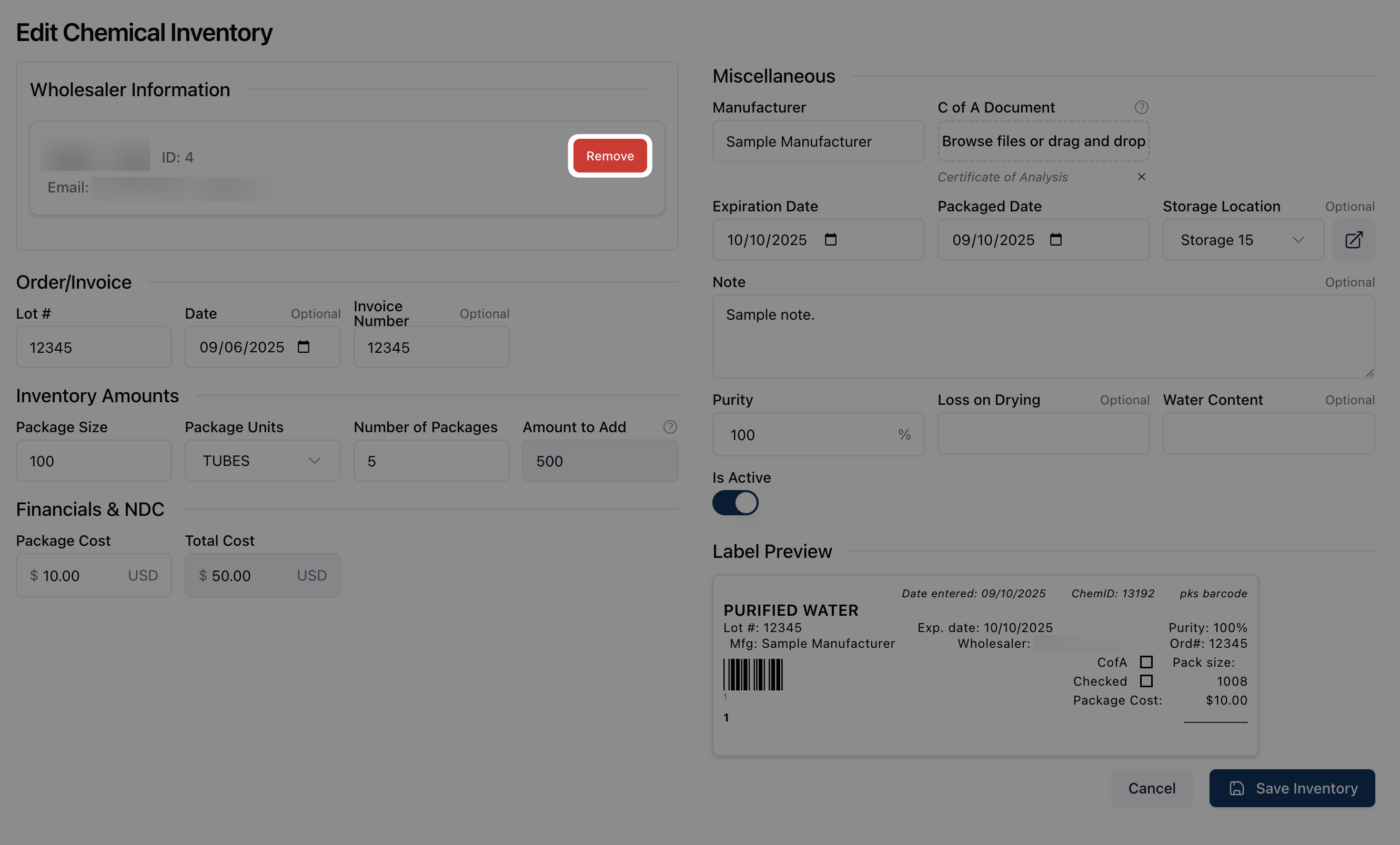
If you need to change the wholesaler, click the Remove button next to the wholesaler listed under Wholesaler Information. Then, search for and select the updated wholesaler from the search field available.
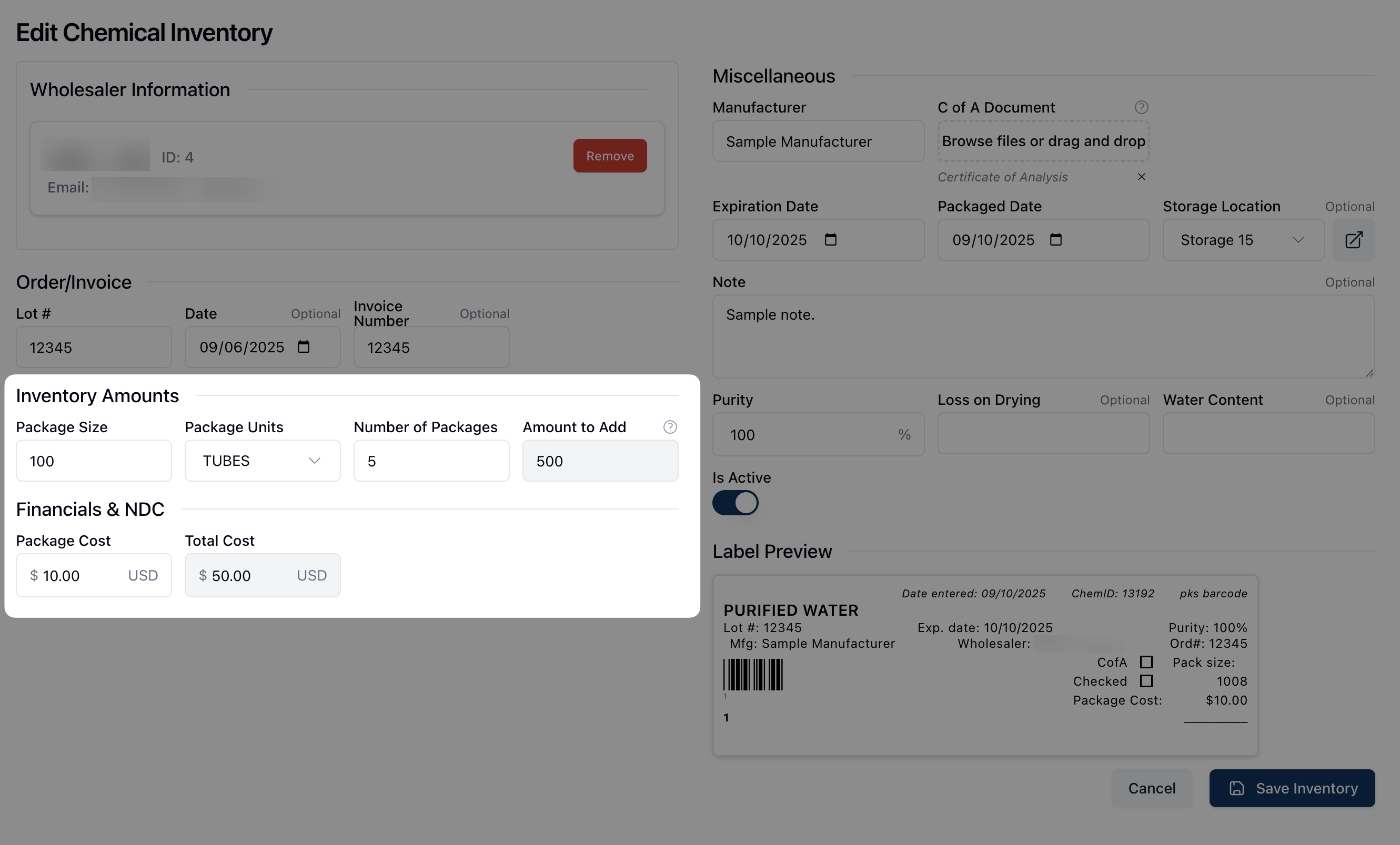
All additional fields may be edited or updated. Note that changing the information listed under Inventory Amounts and Financials & NDC automatically updates the Amount to Add to Inventory and Total Cost fields.
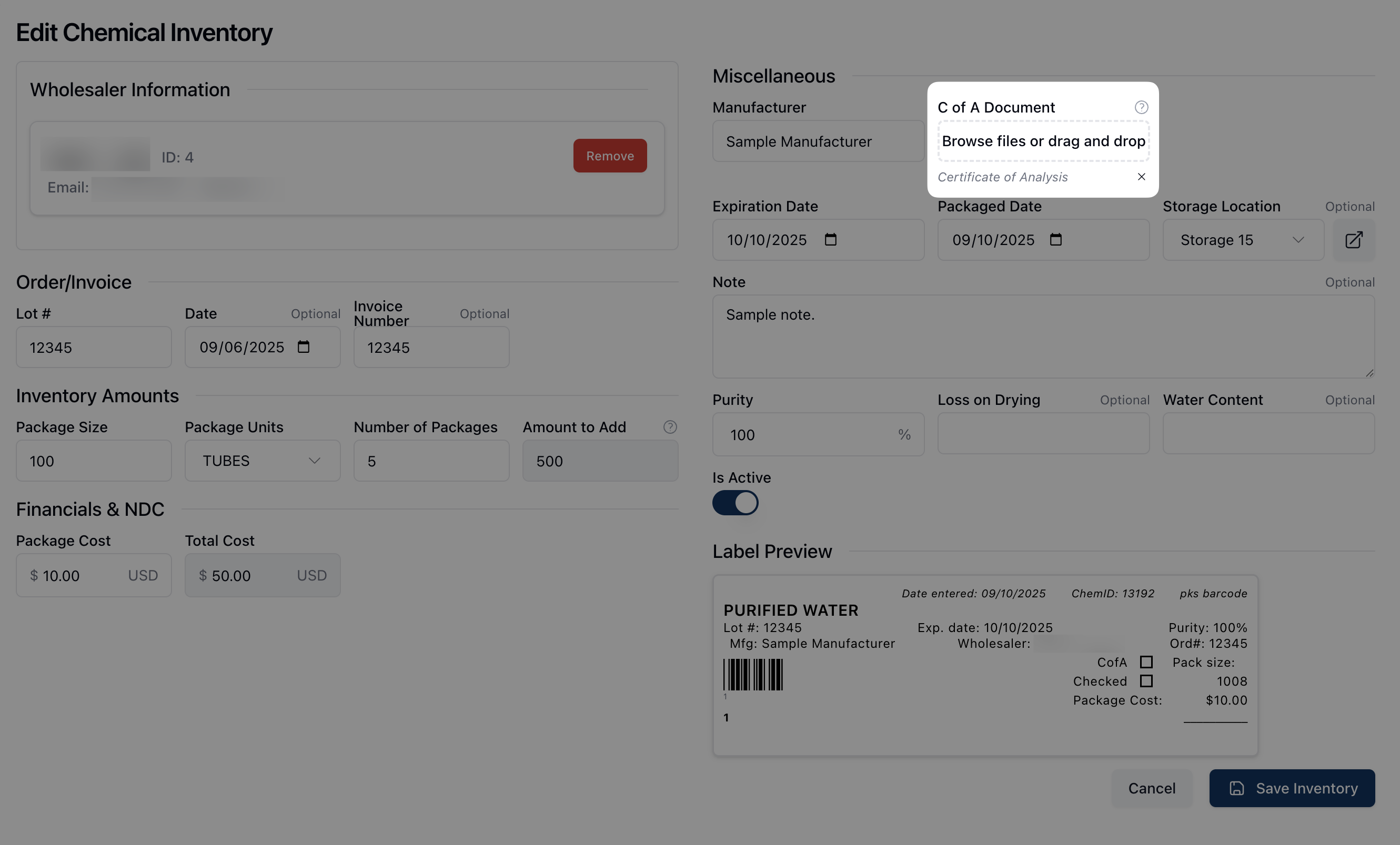
Under Miscellaneous, you can upload a Certificate of Accuracy (C of A) via drag and drop or by clicking directly inside the upload area to select and upload file(s) from your computer.
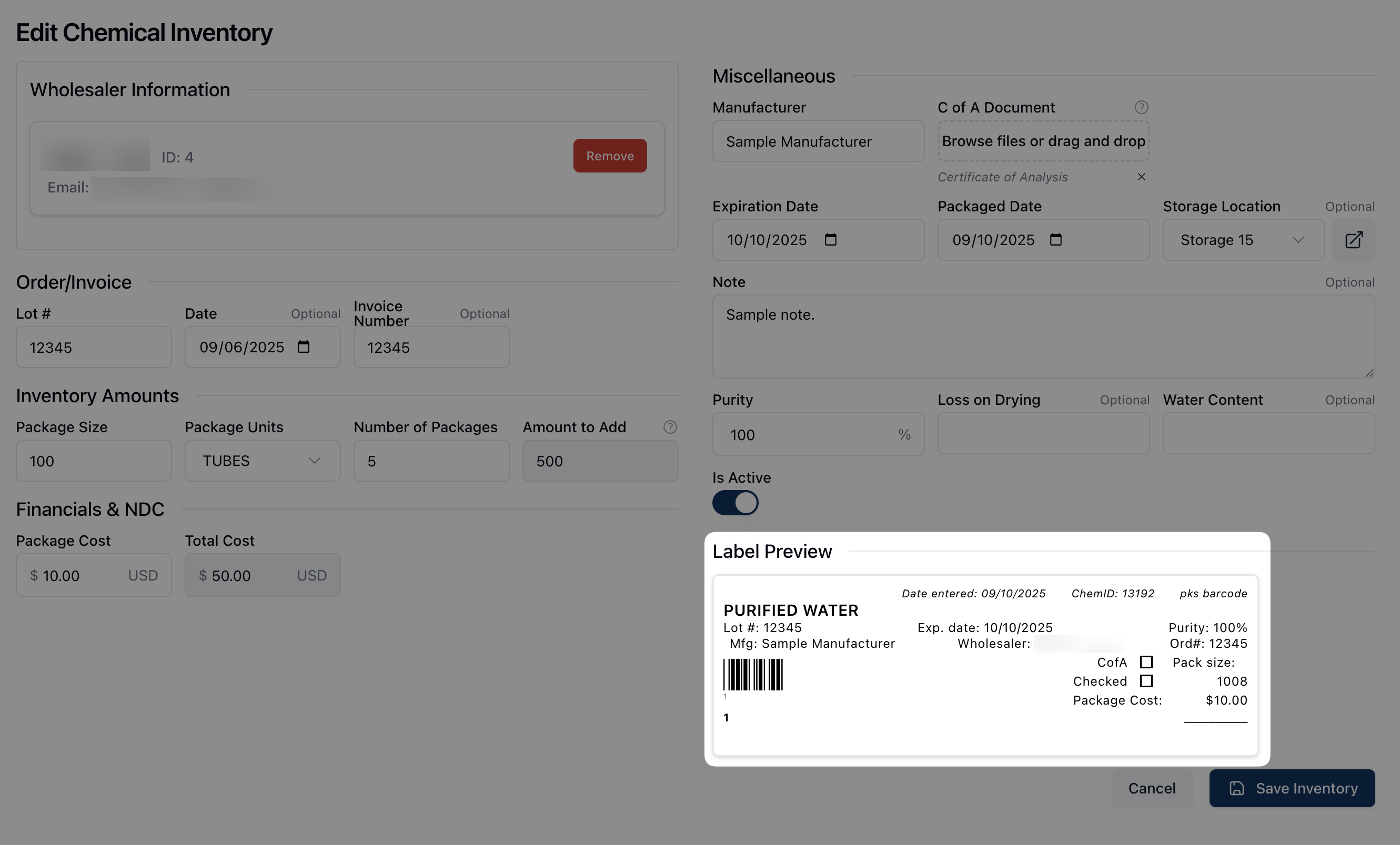
Review the Label Preview as you make changes to see the updated inventory label.
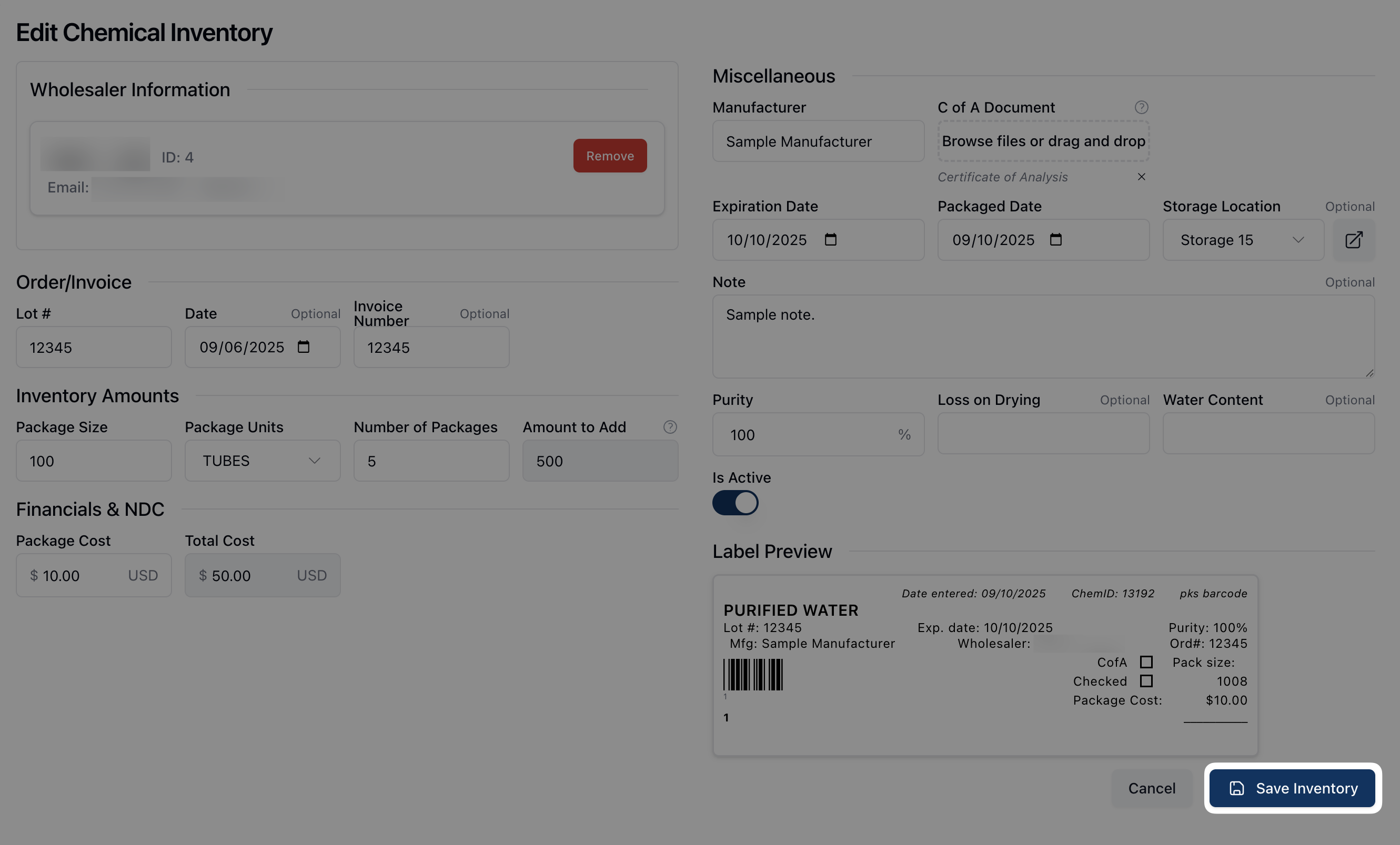
Once all changes are complete, click Save Inventory to save your changes.