How-to: Printing a chemical inventory label
how-to
A streamlined, step-by-step refresher for printing a chemical inventory label.
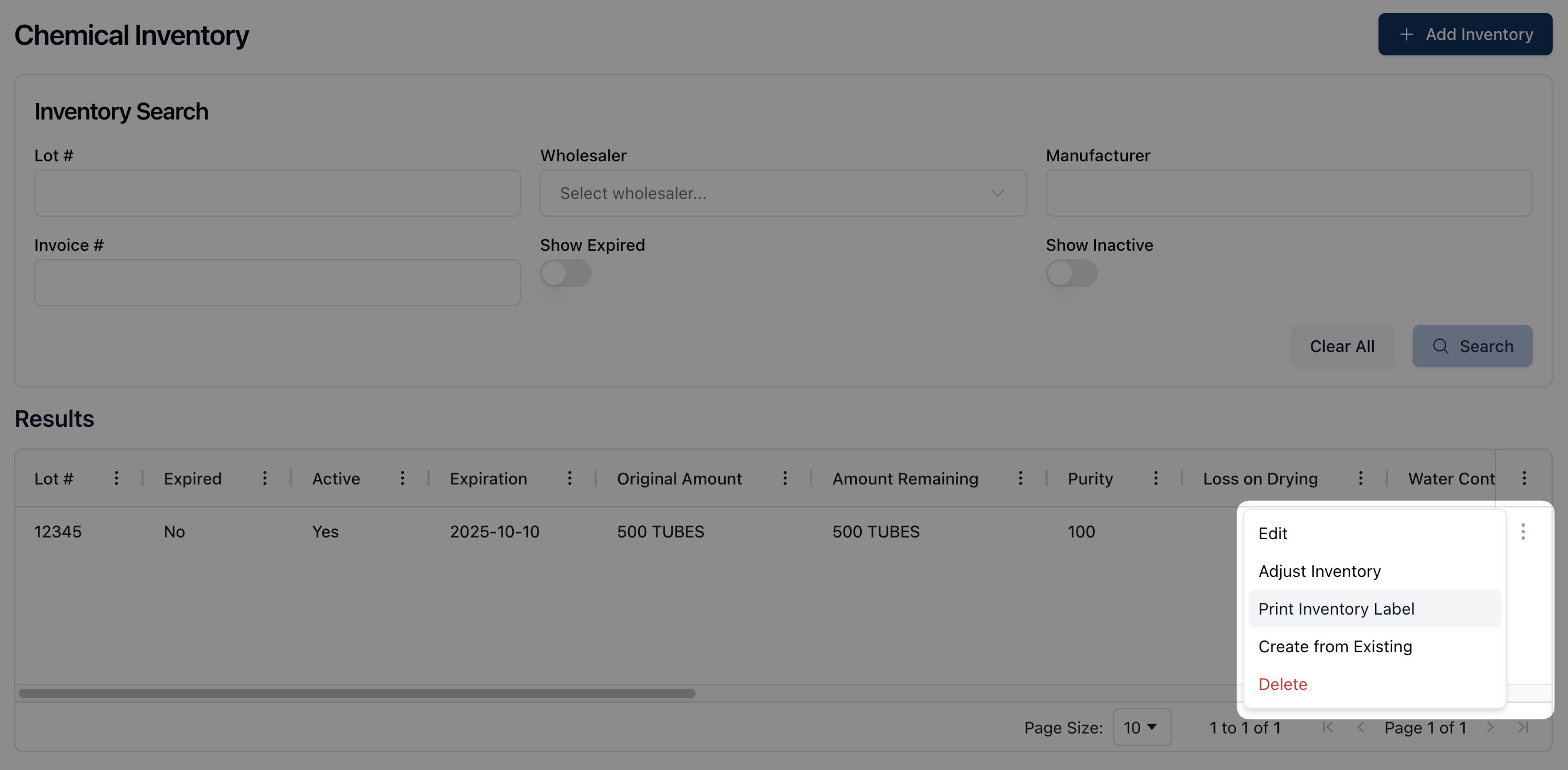
Click the actions menu ( ⠇) next to the relevant chemical inventory record in the Results table and select Print Inventory Label from the dropdown menu that appears.
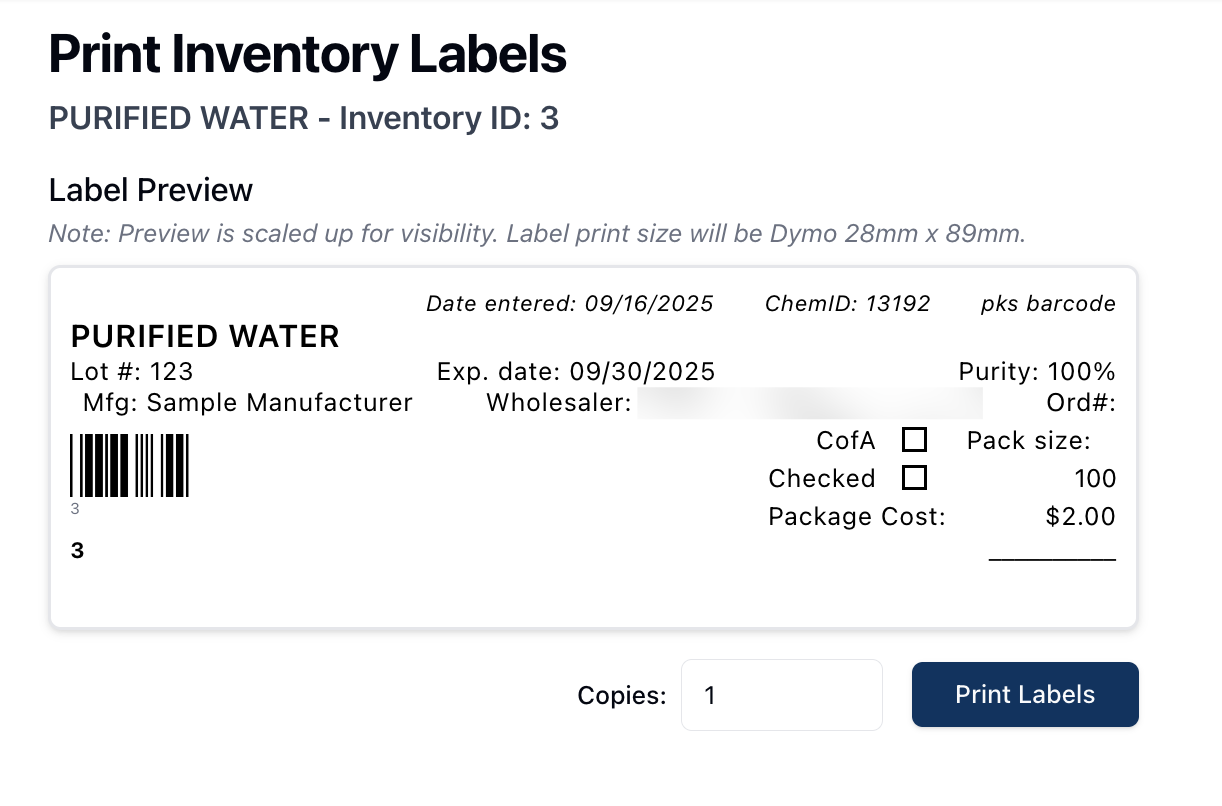
Review the Label Preview for accuracy. If you need to make any changes, you can do so by editing the chemical inventory.
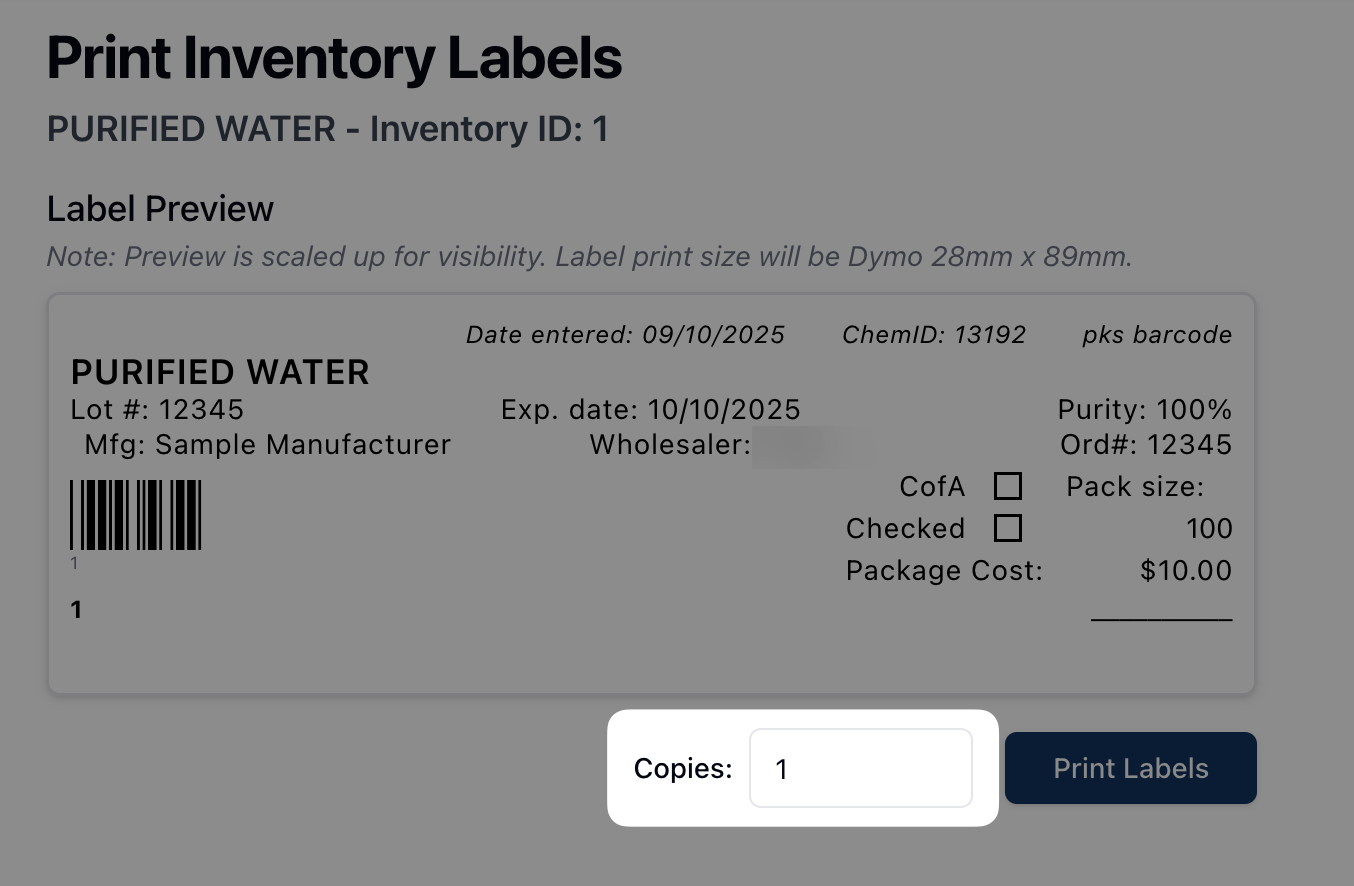
Enter the number of copies to print in the field next to Copies.
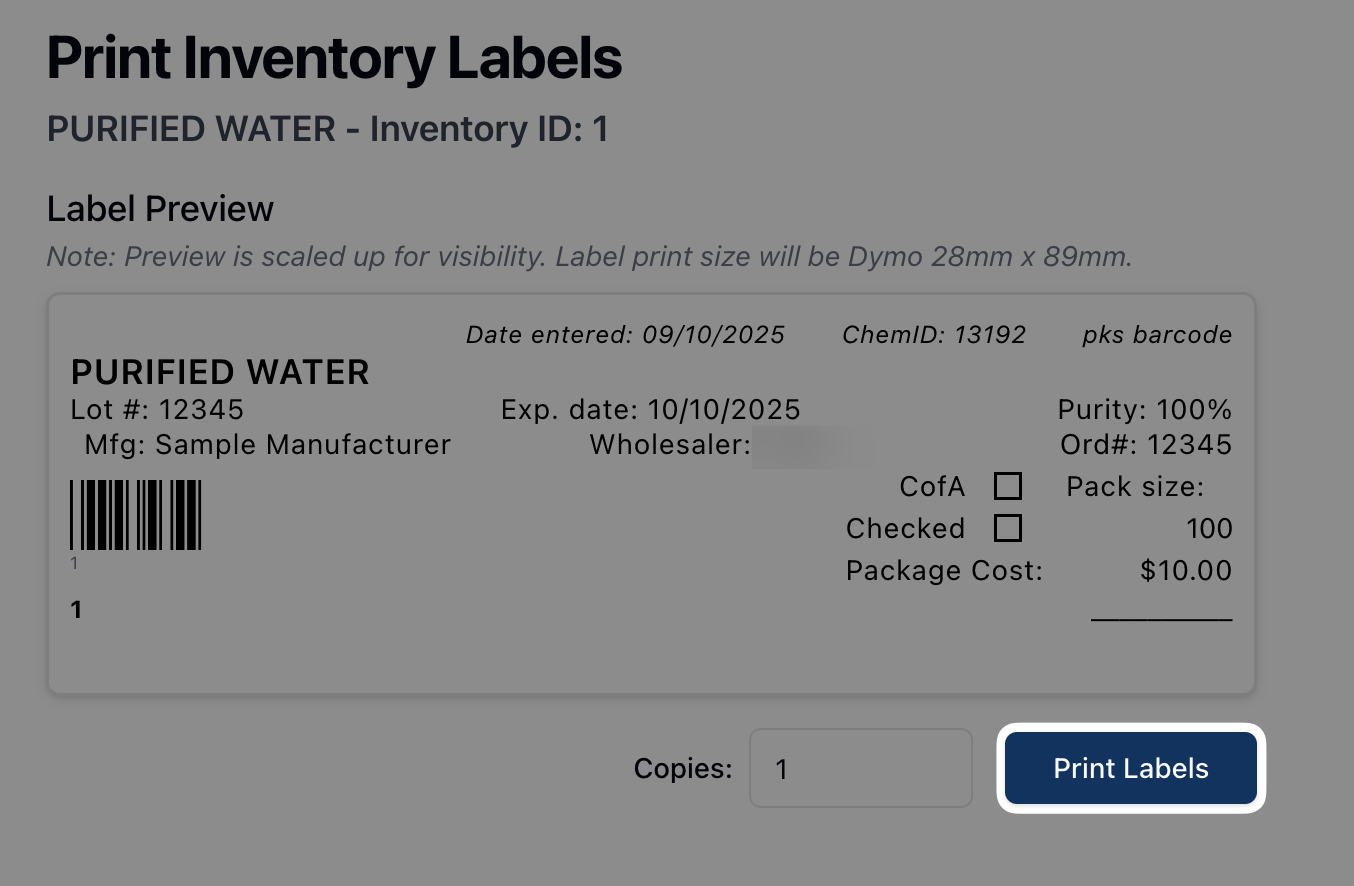
When ready, click Print Labels to open the system print dialogue. Note that the label print size is Dymo 28mm x 89mm.