How-to: Adding an SDS
how-to
A streamlined, step-by-step refresher for adding a Safety Data Sheet (SDS) to a chemical record.
A Safety Data Sheet (SDS) may be added to an existing chemical or a new chemical at any time.
Start from the Create Chemical page, when adding a new chemical, or Edit Chemical page, when editing an existing chemical.
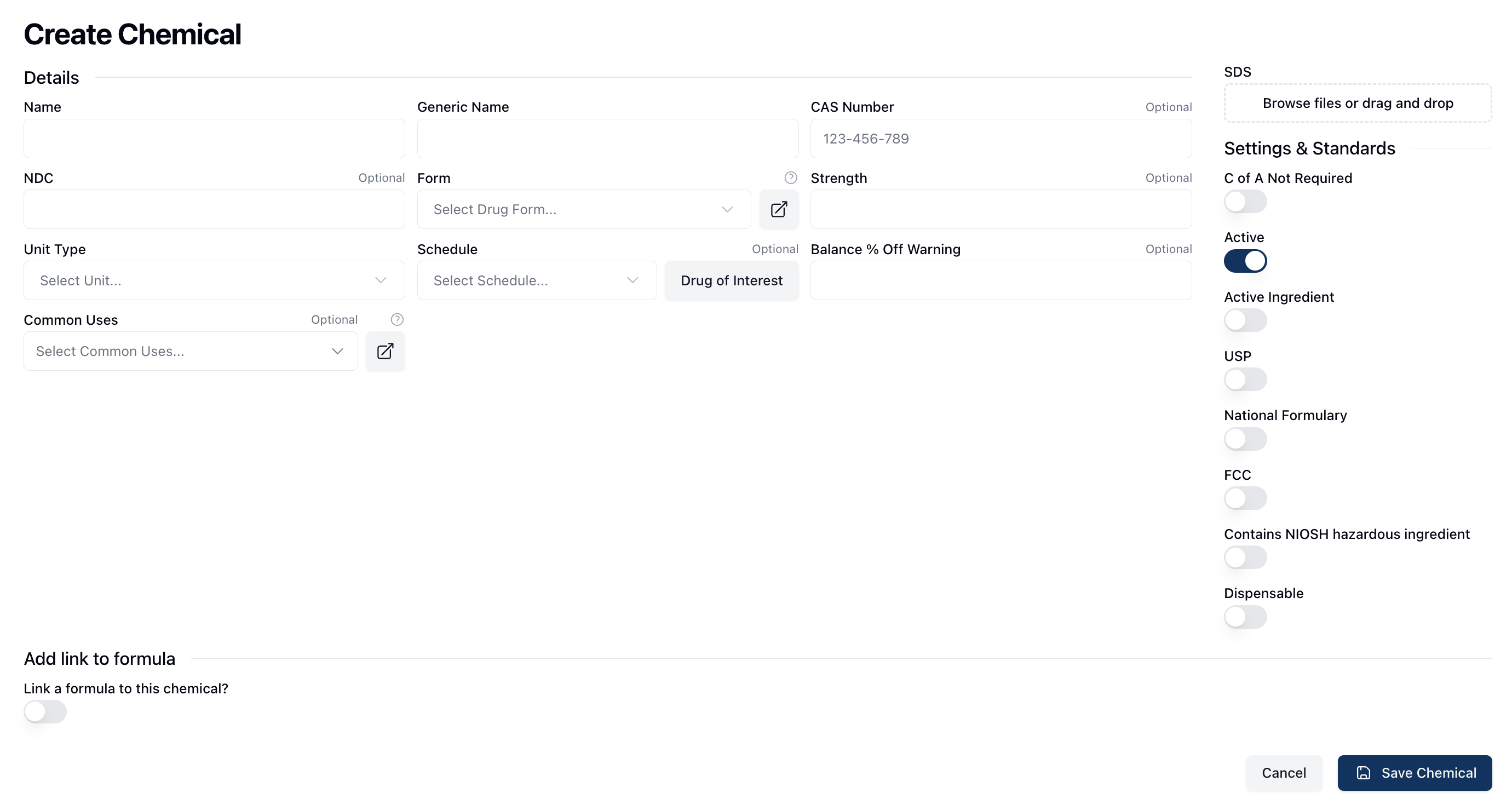
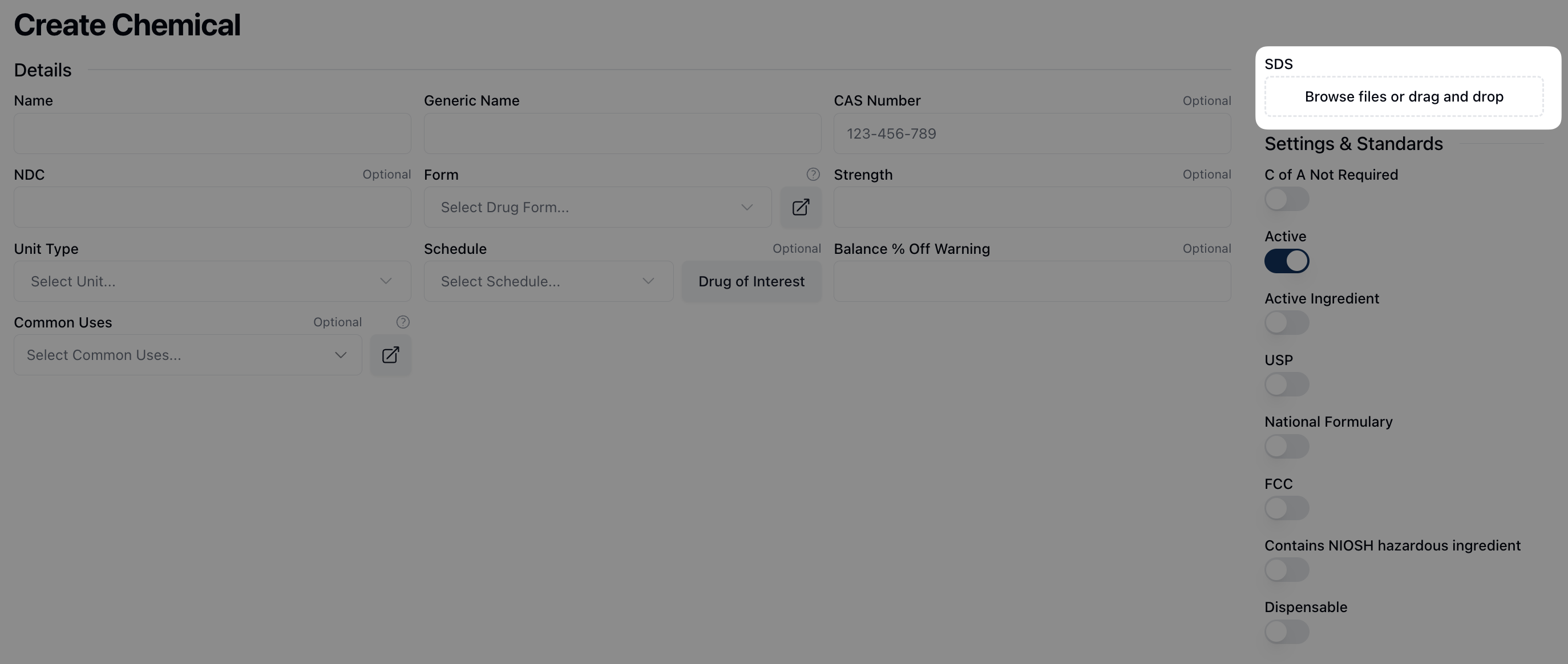
On the right sidebar, under SDS, drag and drop the relevant safety data sheet into the outlined section to upload it to the chemical record. Alternatively, click inside the upload area to browse and select file(s) from your computer.
Once the appropriate files are uploaded, click Save Chemical to save the SDS information.

On the chemical record, below the chemical name, a link to View SDS now appears.
