Patient Payment Methods
The Payment Methods tab displays all payment methods stored to the patient record. This guide provides an overview of the information available.
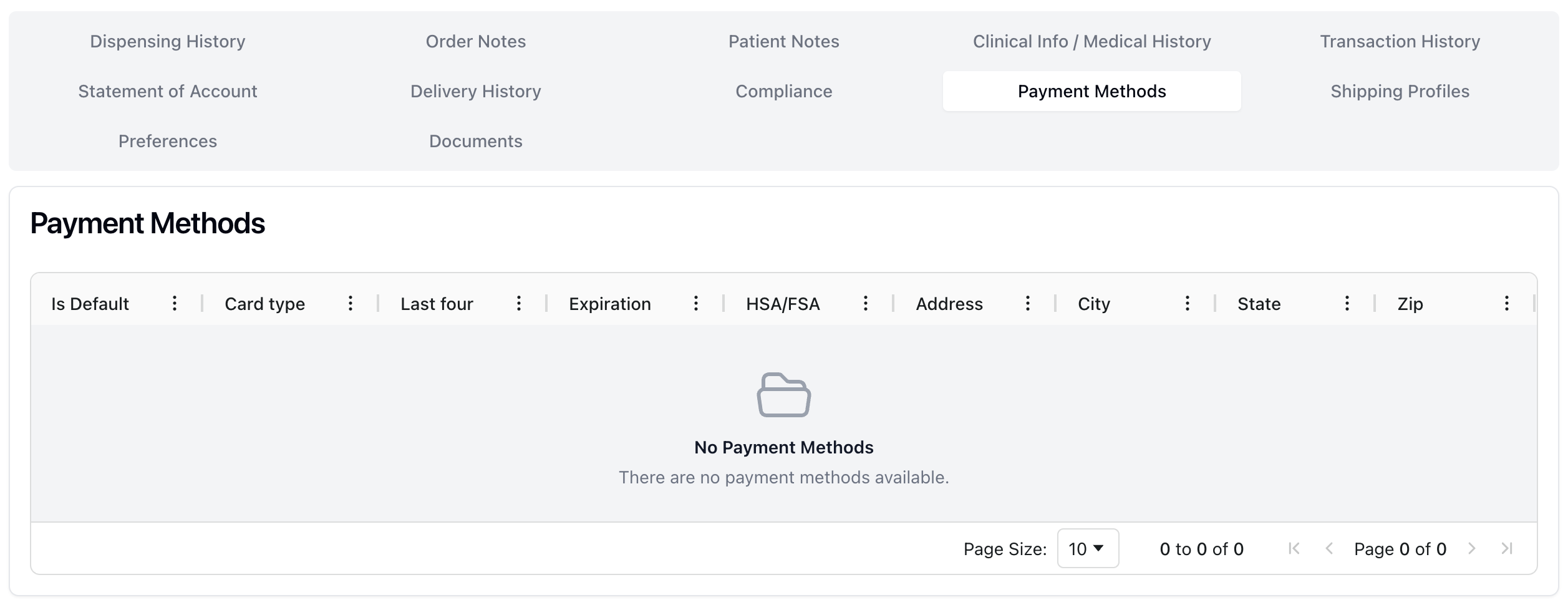 Patients can have one or more methods of payment stored in their patient record. You can view or modify stored payment methods via the Payment Methods tab.
When viewing the Payment Methods table, you can see the following information:
Is Default | If there is a green check mark, this payment method is the patient's default or preferred payment method. |
Card type | The type of card on file. |
Last four | The last four digits of the card. |
Expiration | The card's expiration date. |
HSA/FSA | If there is a green check mark, this is an HSA or FSA-related card. |
Address / City / State / Zip | The associated billing address. |
It's possible to add stored payment methods via the order fulfillment process, in the Pending Payment status.
To do: Revisit for any other methods or actions for storing and editing payment info. Additionally, confirm table info with more examples.