Patient Documents
The Documents tab displays all documents uploaded to the patient record. This guide provides an overview of the information and actions available.
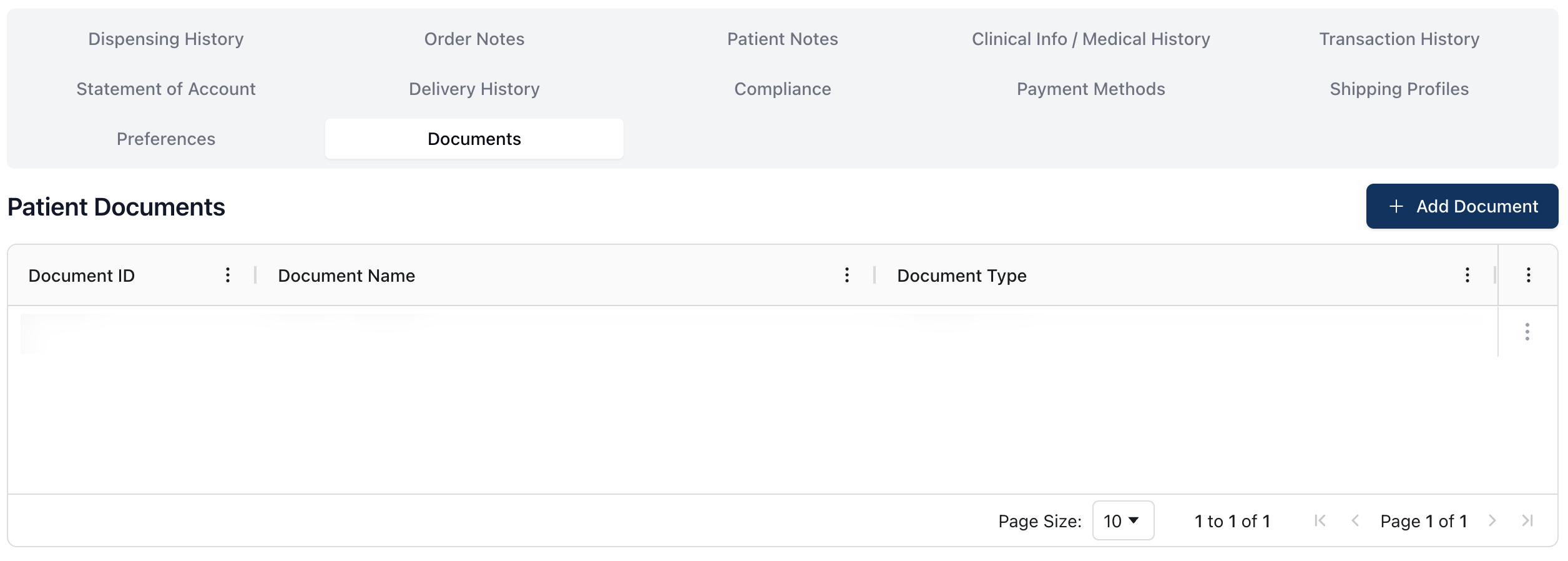 The Documents tab includes any relevant documents that uploaded to the patient profile.
You can view, edit, or delete uploaded documents by opening the actions menu ( ⠇) to the far right of the table.
To do: Revise with more context for types of documentation.
Viewing a patient document
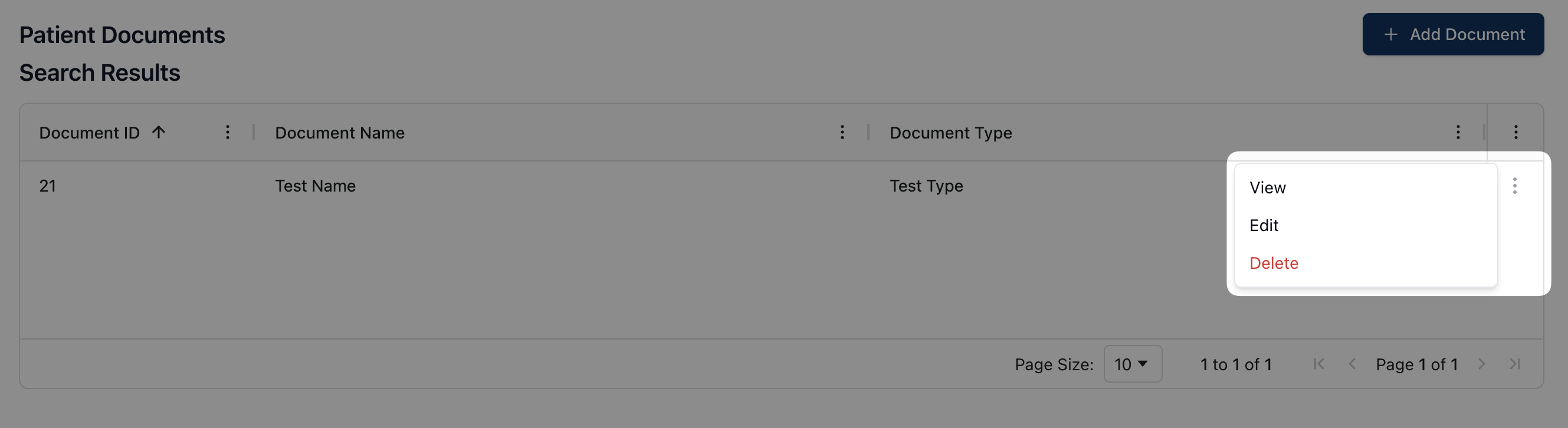 To view a patient document, open the actions menu next to the related item in the Patient Documents table. The actions menu includes the following options:
View, which allows you to view the document by downloading it to your computer
Edit, which allows you to edit the document, including name, type, and file(s)
Delete, which allows you to delete the document from the patient record