Patient Preferences
The Patient Preferences tab stores available patient preferences, including communication methods. This guide provides an overview of the options and actions available.
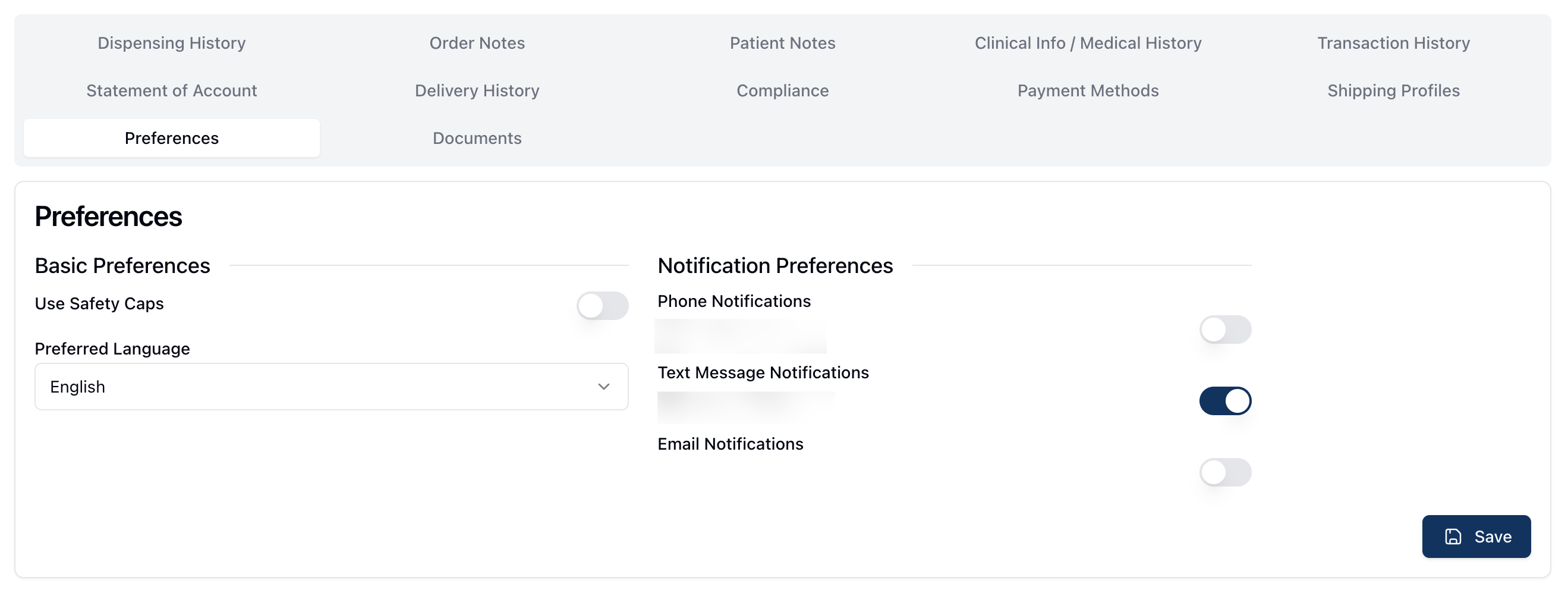 The Patient Preferences tab stores all preferences available to the patient record.
This includes Basic Preferences, such as the patient's preference for using safety caps and their preferred language.
The Preferences tab also includes Notification Preference. The contact information displayed on this page is pulled from the patient record. To add or edit a patient phone number or email address, you can do so via the Edit Patient form. (To do: Is there another place to enter this information?)
The toggles next to each method of communication reflect the patient's contact preferences. If a toggle is on, or in dark blue, that means the patient wishes to receive updates via this contact method. If the toggle is off, or light gray, the patient won't receive updates via that method of communication.