Patient Transaction History
The Transaction History tab provides a full list of transactions in the system related to the patient record. This guide provides an overview of the information available.
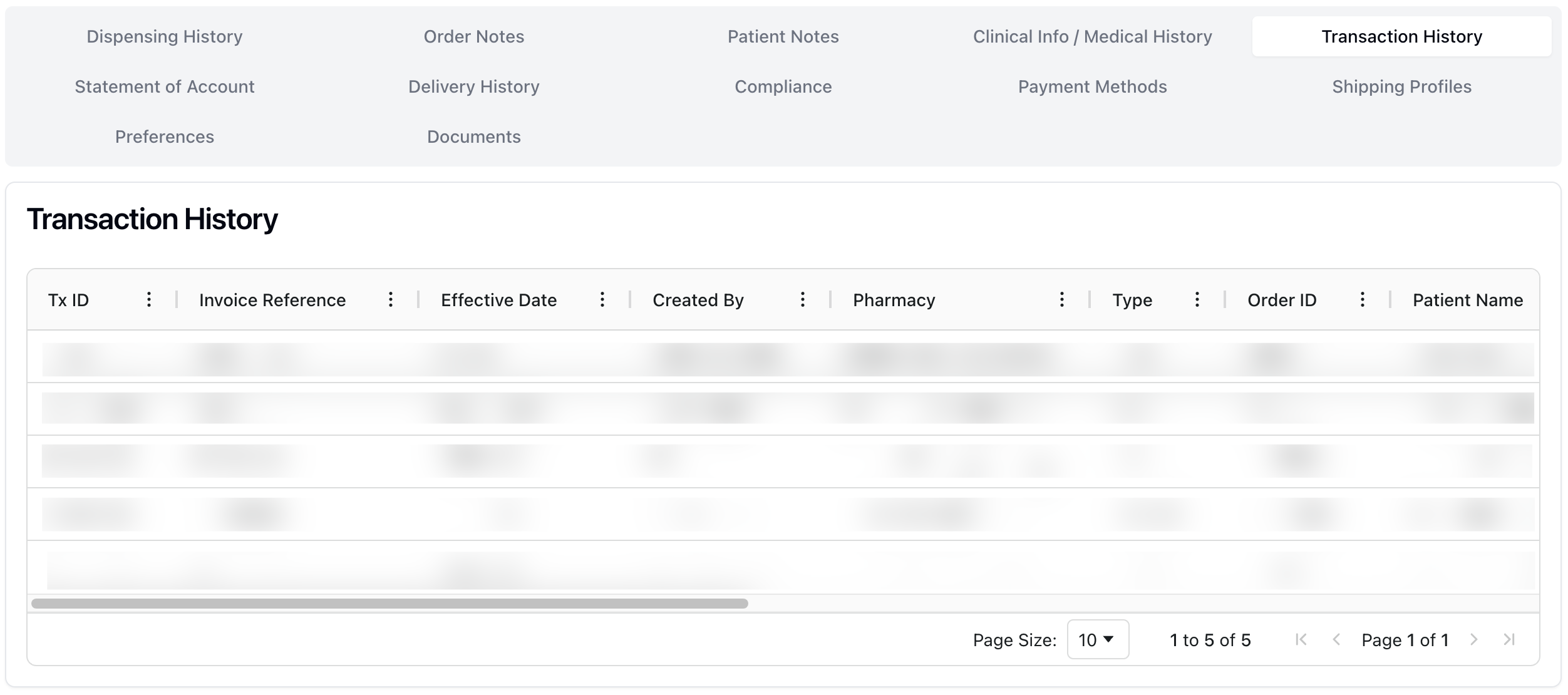 The Transaction History tab displays a full list of previous transactions related to the patient. Transaction information includes:
Tx ID | |
Invoice Reference | The invoice number, automatically generated by the system. |
Effective Date | |
Created By | |
Pharmacy | The pharmacy that filled the order. |
Type | |
Order ID | The order ID number, automatically generated by the system |
Patient Name | The patient's name. |
Patient Phone | The patient's primary phone number. |
Doctor | The prescribing doctor's name. |
Practice | The doctor's related practice information. |
Rxs | The prescription number(s) related to the order. |
Cardholder | |
Amount | Total cost of the order. |
Success? | A green check mark appears for successful payments. A red X appears next to failed payment attempts. |
Note that the Transaction History is view-only. This means that you can view all previous transactions, but no actions are available.
To do: Review table columns and meanings.