Tutorial: Adding a patient allergy
This guide provides a walkthrough of adding an allergy to a patient's record.
Looking for a shorter overview? Visit the how-to guide instead.
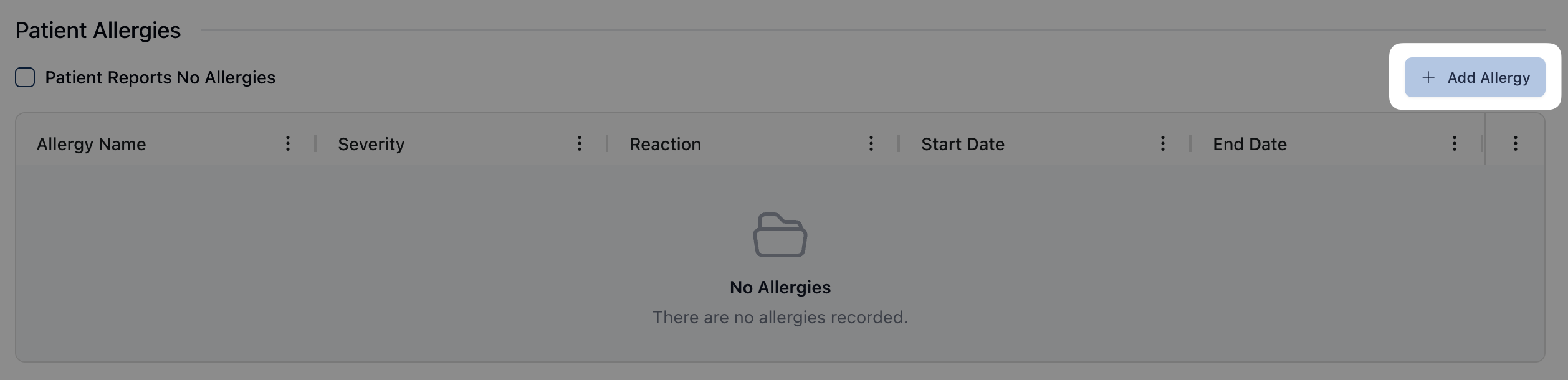 You can add an allergy to a patient's record by clicking the Add Allergy button above the Patient Allergies table. (To do: Is there any standard information that should be included for when/why to add allergies?)
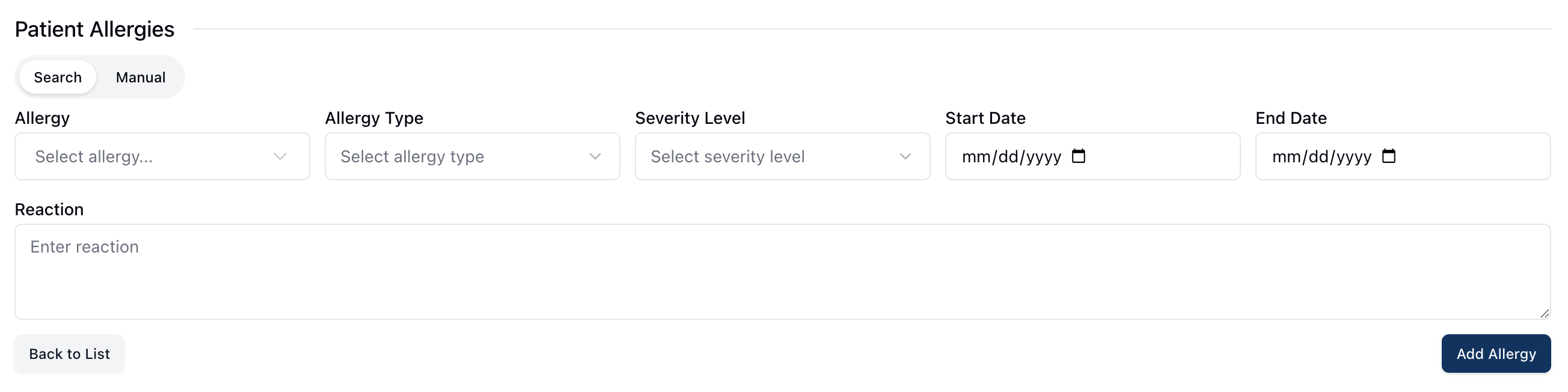 Clicking Add Allergy opens a form where you can search or manually enter a patient allergy. Using the Search option populates standardized allergy information from First Databank and is the default option for entry. In the event that an allergy doesn't exist in the First Databank search results, you can toggle the Manual option.
Clicking the dropdown menu under Allergy loads a list of all available allergies. You can search for a specific allergy by entering the allergy information in the search box at the top of the dropdown menu. As you type, the search results update automatically to display related allergies.
Selecting a specific allergy adds that allergy to the Allergy field and automatically populate the Allergy Type based on information from First Databank.
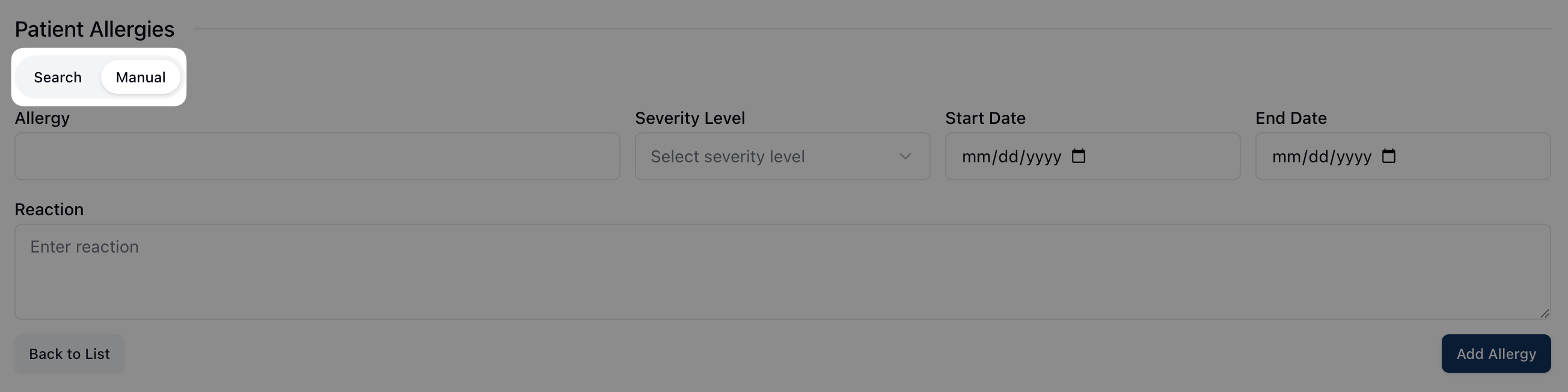 If you need to enter an allergy manually, you can do so by clicking on the Manual button at the top of the section. This converts the Allergy field into an open-ended text box, allowing you to manually enter the relevant allergy. Note that manual entries don't include an Allergy Type field.
After Allergy, the following fields include:
Severity Level: Ranging from Mild, Moderate, to Severe.
Start Date: The date the allergy began, if known. Enter the start date in an MM/DD/YYYY format or using the calendar view.
End Date: The date the allergy ended, if known or applicable. Enter the end date in an MM/DD/YYYY format or using the calendar view.
The Reaction field is an open ended text field available for information on the patient's reaction to the allergy. This field, as well as Severity Level, is required.
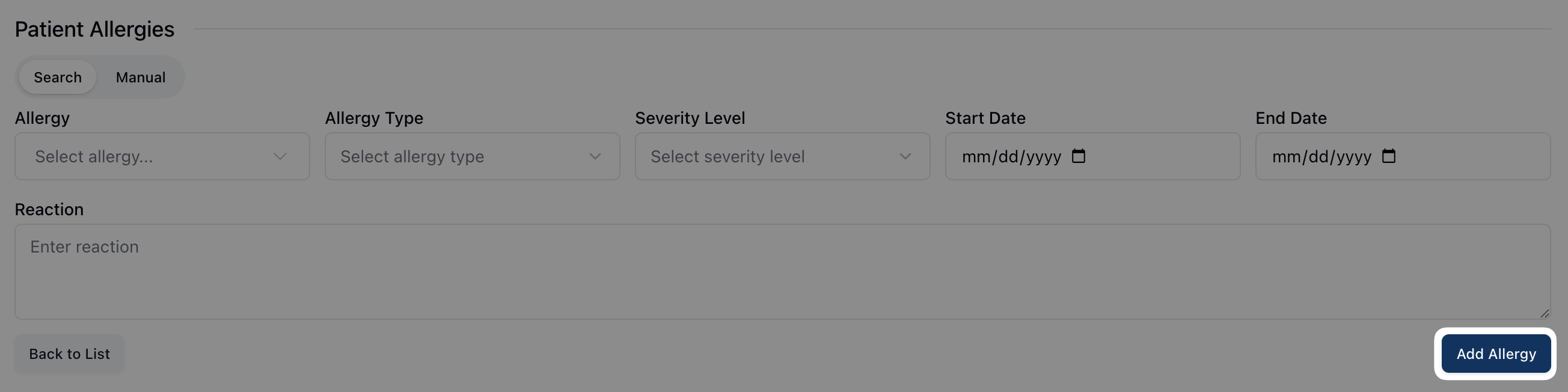 When all fields are complete, add the allergy to the patient profile by clicking the Add Allergy button in the lower right corner of the form.